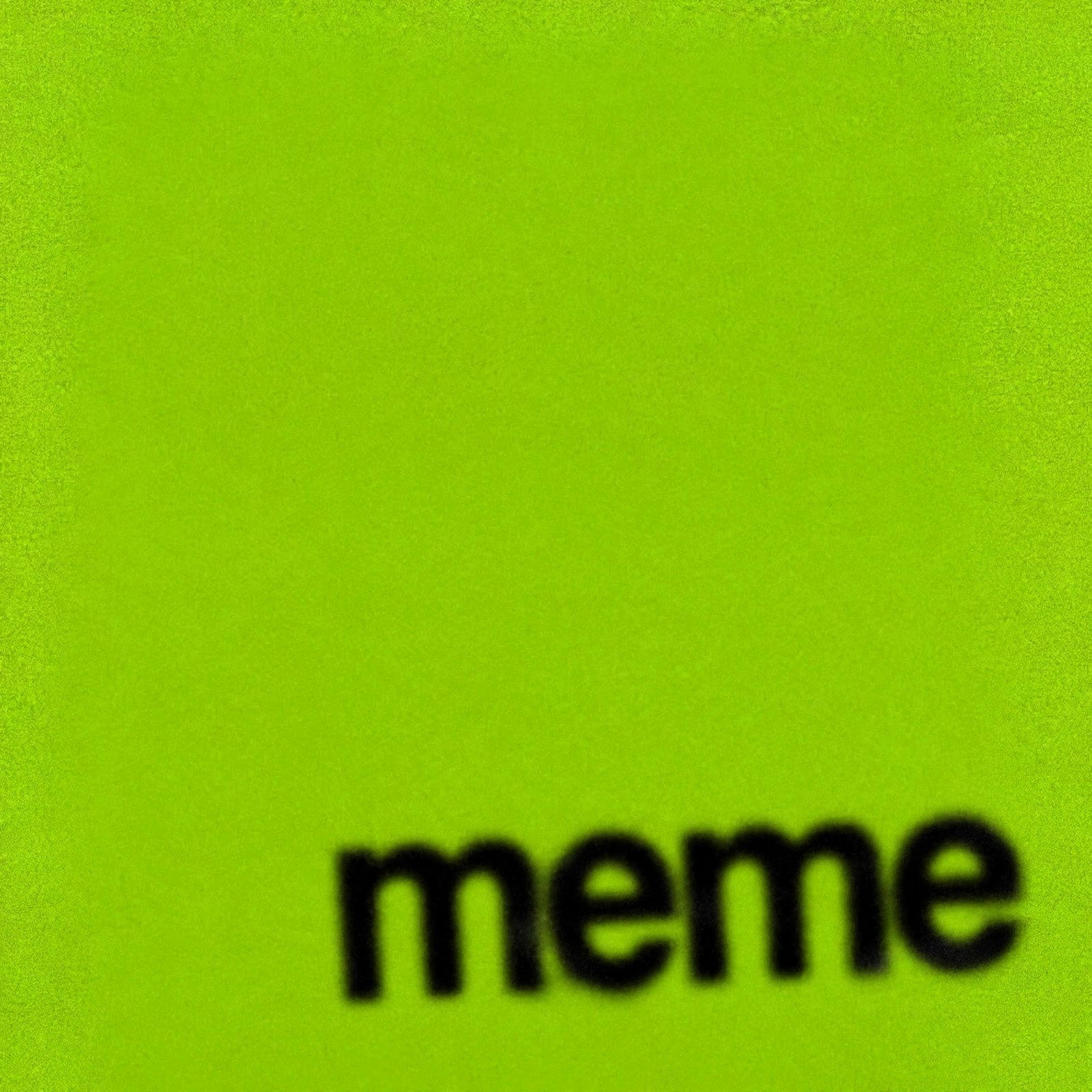
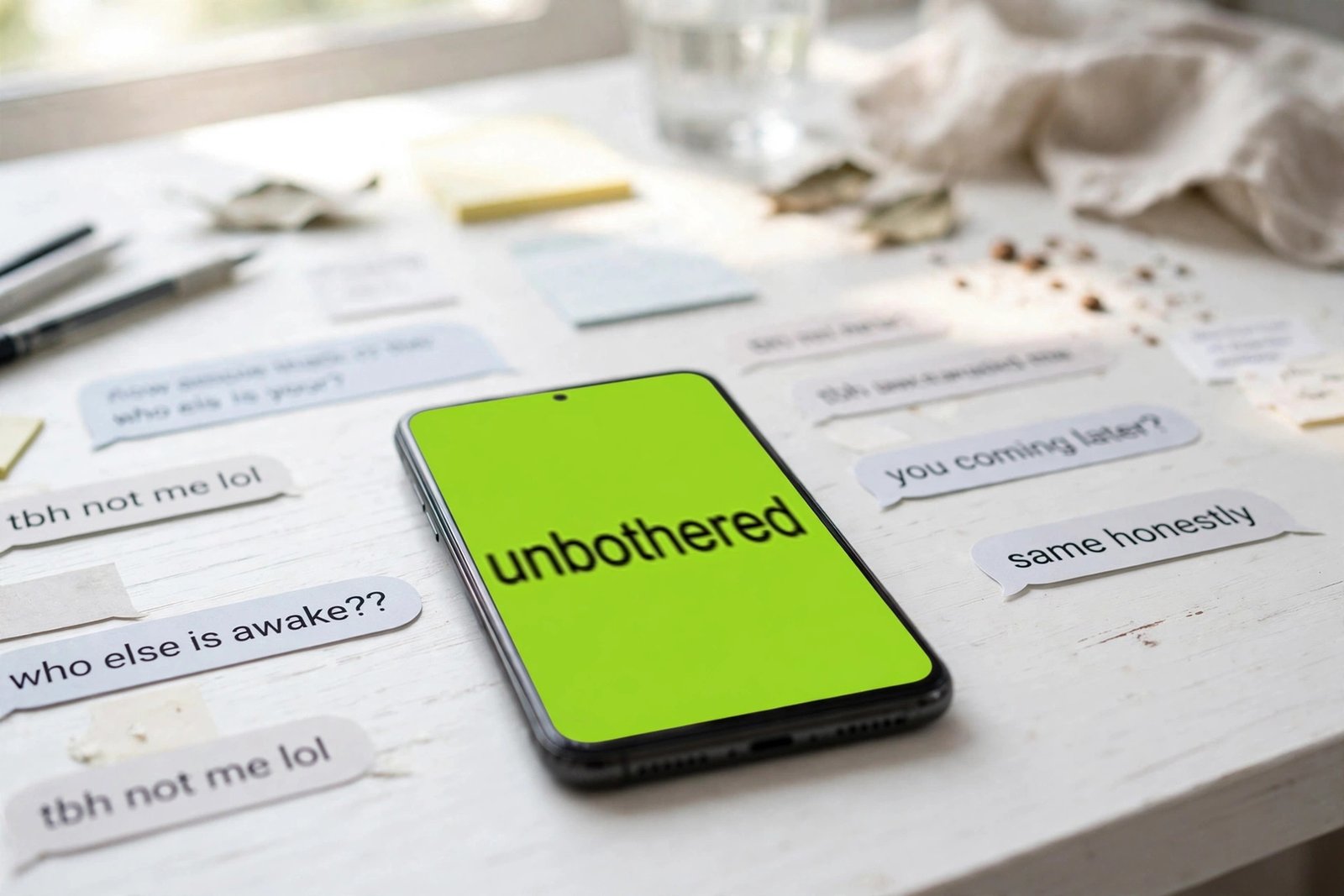
Here’s a thing I noticed while testing tools for this site: nobody makes a brat cover because they need a cover. They make one because something happened — a friend said something unhinged, the group chat needs a reaction image, a situationship ended — and they need a lime-green square that says “unbothered” in about eleven seconds. That’s what a brat meme generator is actually for. Not album art. Memes. Reaction images. The fastest possible way to turn a thought into a shareable picture.
So I tested the one on this site the way you’d actually use it: typed real captions with real keystrokes, clicked every color, downloaded the actual file and checked its bytes. No roundup-from-memory, no screenshots of someone else’s tool. Here’s what happened, what’s good, and where it falls short for meme duty specifically.
What a brat meme generator is (and why memes are the real use case)
The format needs no introduction if you’ve been online since 2024, but the short version: Charli XCX (Brat) released an album with a cover so plain it felt like a prank — lime green, the word “brat” in blurry lowercase, slightly off-center. The internet did what it does: turned it into a meme template. One blunt word on that green became the universal reaction image. “chaos.” “mood.” “delulu.” Whole arguments have been settled with a single green square.
A brat meme generator is the tool version of that impulse. Type a caption, get the green square, post it. The whole joke is the speed — if making the meme takes longer than the joke took to think of, the moment’s gone. That’s the standard I’m judging this tool against: idea to posted meme, how fast, how frictionless, and does the output actually look right.
I tested the brat meme generator on brratgenerator.com — the full run
Let me be specific, because “I tested it” means nothing without receipts. I opened the generator, clicked the black text field, and typed “brat summer” with actual keystrokes — not pasted, typed. The character counter ticked up live: 11/50. The preview updated with every letter, which matters more than it sounds: you watch the layout as you type instead of pressing a generate button and hoping.
The 50-character cap is real and silent. I typed 48 characters, then kept going — the field stopped accepting input at exactly 50, counter frozen at 50/50. No warning, no shake animation, your keystrokes just vanish. For memes this is mostly fine (the format wants one to three words anyway — “brat summer” is already pushing it), but the silence is a small UX sin. You’ll be mid-caption wondering why your keyboard broke.
Colors. Six swatches: the signature brat green (#8ACE00), neon yellow-green (#C7FF00), cyan (#00E5FF), magenta (#FF00FF), hot yellow (#FFEA00), black (#000000). I clicked the magenta one and the whole cover flipped instantly — no reload, no flicker. There’s also a full custom color picker plus a separate text-color control, which I flipped to white on a black background to check contrast. Worked.
The sliders. Border radius (0–60, defaulted to 14 on my load) and font weight (300–900, default 600). I dragged radius to 45 and weight to 900 — both applied live. The radius slider is secretly a meme feature: rounded corners matter when your meme becomes a profile picture or a chat sticker, where the platform crops things.
The fonts. Three: Arial, Impact, Helvetica. I switched to Impact and confirmed the computed style changed. Honest caveat from the test rig: my Linux machine doesn’t have any of these fonts installed, so the preview fell back to a serif — on your actual phone or laptop they’ll render correctly. Bigger point: none of the three is the real album typeface (something close to Arial Narrow, stretched and blurred). Arial at 600 gets you maybe 80% of the way there. Fine for memes; a typography nerd will notice.
Download PNG. Clicked it during the screen recording. A file called brat.png landed in my downloads — 40,588 bytes, valid PNG, exactly 1080×1080, no watermark. I verified the bytes, not just the filename. No signup wall, no “HD download is premium” — the download button is where half the competing tools hide their upsell, and here it’s just… a button that works.
Copy Image. One click puts the finished meme on your clipboard as a PNG — the fastest path to a group chat. The browser asked for clipboard permission once. I couldn’t verify the paste landing in another app from the test setup, so call that one “works up to the clipboard” rather than end-to-end.
Reset. Clears the input, and — this I didn’t expect — also restores the default brat green background. A proper fresh start, not a half-reset.
Watch it happen (real screen recording)
Rather than describe the clicks for the fifth time: here’s the actual tool, recorded live — typing, the counter ticking, the magenta flip, the download:
Brat meme generator vs. the competition: an honest table
I read the top-ranking pages for “brat meme generator” before writing this — all ten of them, in full. Most are feature lists nobody verified. So here’s the comparison grounded in what I actually tested today, against the strongest alternatives I found:
| Feature | This site’s brat meme generator | Best alternative I found |
|---|---|---|
| Blur control (the signature look) | None — text renders crisp | thebratgeneratory.com — blur slider; bratgeneratorapp.net — 0–20px |
| Character limit | 50, verified by typing (silent cap) | thebratgeneratory.com — 180 chars; brat-text-generator.com — no hard limit |
| Export size | 1080×1080 only, verified byte-level | bratgeneratorpro.net — 7 canvas sizes incl. 1080×1920 story, up to 3× resolution |
| Formats | PNG only | bratgeneratorpro.net / bratgeneratorapp.net — PNG, JPG, WebP |
| Photo background upload | No | thebratgeneratory.com — yes, PNG/JPG/WebP |
| Drag-to-position text | No (centered) | thebratgeneratory.com — yes |
| Fonts | 3 (Arial, Impact, Helvetica) | bratgeneratorapp.net — 60+ |
| Price / watermark / signup | Free, none, none — verified | All serious competitors — also free, no watermark |
| Speed, idea to download | Under a minute, most of it page load (~9s) | Comparable; heavier tools load slower |
The pattern is clear: this tool wins on speed and zero friction, and loses on control. If your meme needs a blur slider, a photo background, or a story-sized export, the heavier tools earn their complexity. If you need a green square with one word on it thirty seconds ago, this is the fastest path I verified.
One thing the competitors taught me that this tool should steal: brat-text-generator.com’s honesty. Their page literally says “no invented claims” and lists what the tool can’t do yet. This tool’s biggest missing feature — the blur — deserves the same treatment instead of silence. (Consider this article that treatment.)
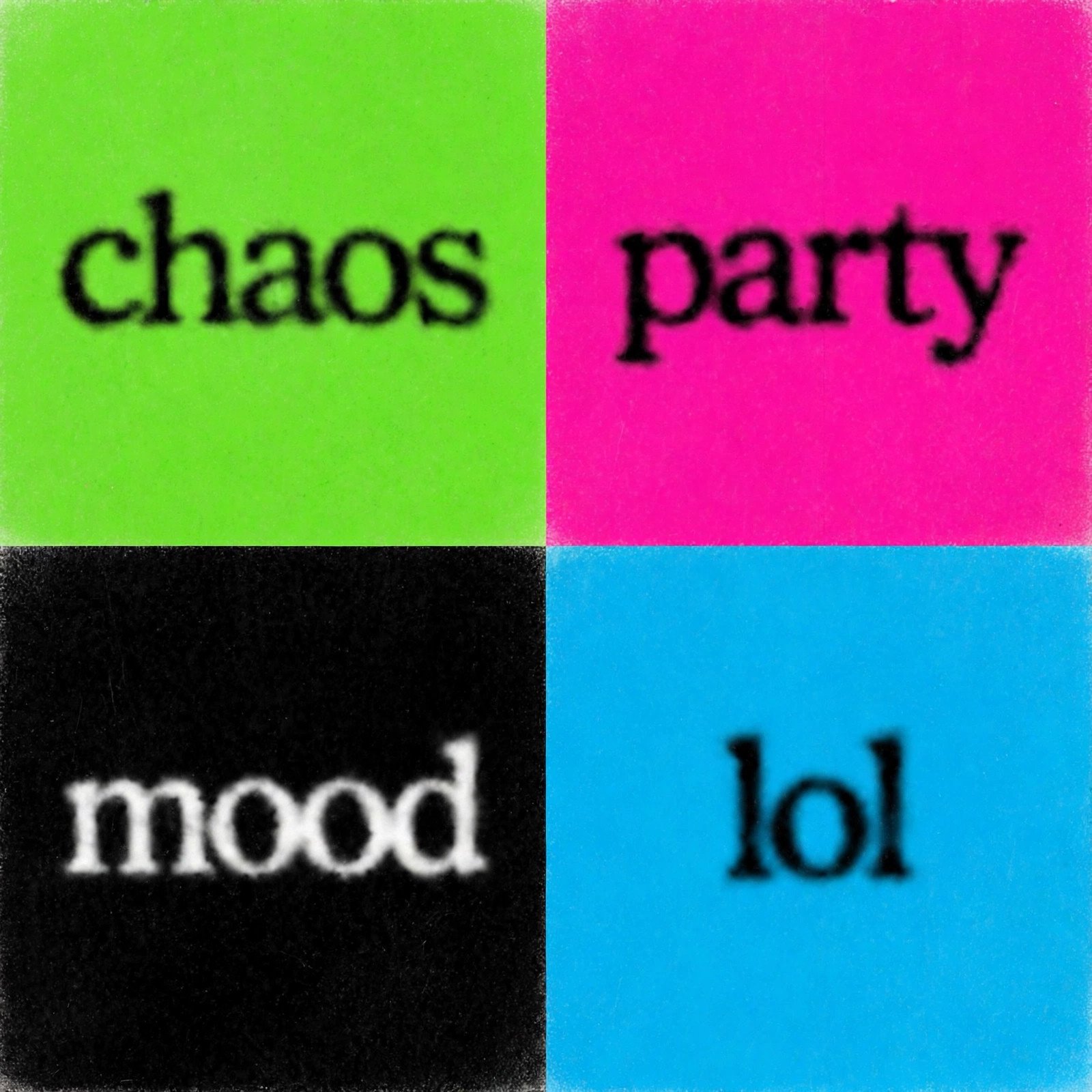
Meme formats that actually work with this tool
After making a stack of these, here’s where the format earns its keep — and which settings fit each:
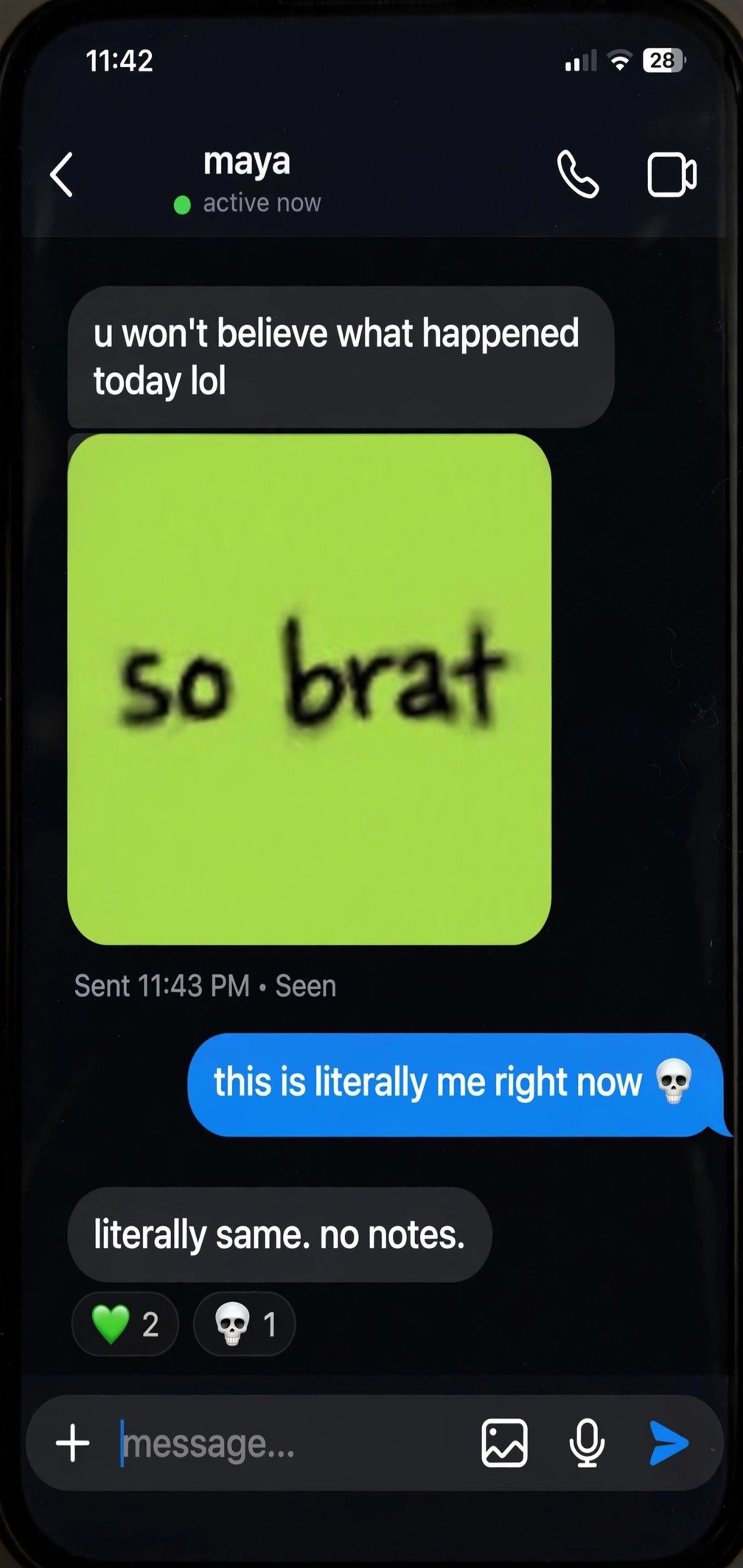
The reaction image. The native habitat. One word — “mood,” “unbothered,” “anyway” — dropped into a group chat instead of typing a reply. Green is the classic, but black with white text reads more deadpan, which is often funnier. This is the Copy Image button’s entire reason to exist.
The inside joke. A nickname, a shared phrase, something that happened on a night out. Tag friends under a one-word caption. The 50-character cap is a feature here — it forces the joke down to its essence.
The story cover. Use the meme as the first slide of an Instagram story or carousel to set the tone. Caveat: the export is 1080×1080 square, so on a 1080×1920 story there’ll be letterboxing — center it and let the platform blur the background, or pick a competitor with a story preset.
The playlist cover. Spotify and Apple Music playlist art in brat style is a whole subculture. Square export is exactly right here. “gym,” “3am,” “driving” — you know the drill.
The event flyer. Party invites where the anti-design is the point. Hot pink or cyan background, one word, date in the caption. It prints well precisely because it’s so simple.
Make yours in 30 seconds
- Open the brat meme generator — no account, no install.
- Type your caption. Keep it under ~15 characters for the real look; the field caps at 50.
- Pick a background. Green is the meme; black-with-white-text is the sleeper pick for group chats.
- Leave the font on Arial, weight around 600–700, unless you want the heavier Impact look.
- Hit Download PNG for the 1080×1080 file, or Copy Image to paste straight into a chat.
If you want the full walkthrough with every control explained, the how-to-use guide covers the basics, the colors guide goes deep on palettes beyond the classic green, and the font generator breakdown gets into the typography weeds. Video memes are a different beast — the brat video generator post covers that.
FAQ
Is the brat meme generator free?
Yes. I downloaded multiple memes during testing — no account, no watermark, no paywall anywhere in the flow. The 1080×1080 PNG is the free export and there’s no “premium” tier gating it.
What’s the character limit?
50 characters, enforced silently — I typed past it and the field just stopped accepting input at 50/50. For the meme format you want far fewer anyway; one to three words is the sweet spot.
Why doesn’t my meme have the blurry look?
Because the tool doesn’t apply any blur — the text renders crisp. The blur is the defining trait of the real album cover and it’s this tool’s biggest gap. Workaround: add a small gaussian blur in any photo app after downloading. Two extra taps.
What size is the download?
1080×1080 pixels, PNG format — I verified this byte-level (40,588 bytes for my test render). That’s the Instagram-post sweet spot, but there’s no story/portrait size option.
Can I put a photo behind the text?
Not with this tool — backgrounds are solid colors only. Thebratgeneratory.com’s meme generator offers photo upload if that’s what you need.
Can I use my meme commercially?
Your image is yours, but the brat aesthetic is Charli XCX’s trade dress — fine for personal memes and fan content, risky for actual merchandise. When in doubt, don’t sell it.
The bottom line
A brat meme generator has exactly one job: turn a thought into a green square faster than the joke goes stale. I verified the whole loop with real keystrokes and real files — typing is instant, the counter is honest, colors flip live, and the PNG that lands on your drive is a clean 1080×1080 with no strings attached. It won’t give you blur, photo backgrounds, or story-sized exports, and the 50-character cap eats keystrokes without telling you. But for the thing the format was born for — a one-word reaction image in a group chat, made in under a minute, free — it’s the fastest verified path I found. Type something unhinged. Copy it. Drop it in the chat without context. That’s the whole point.