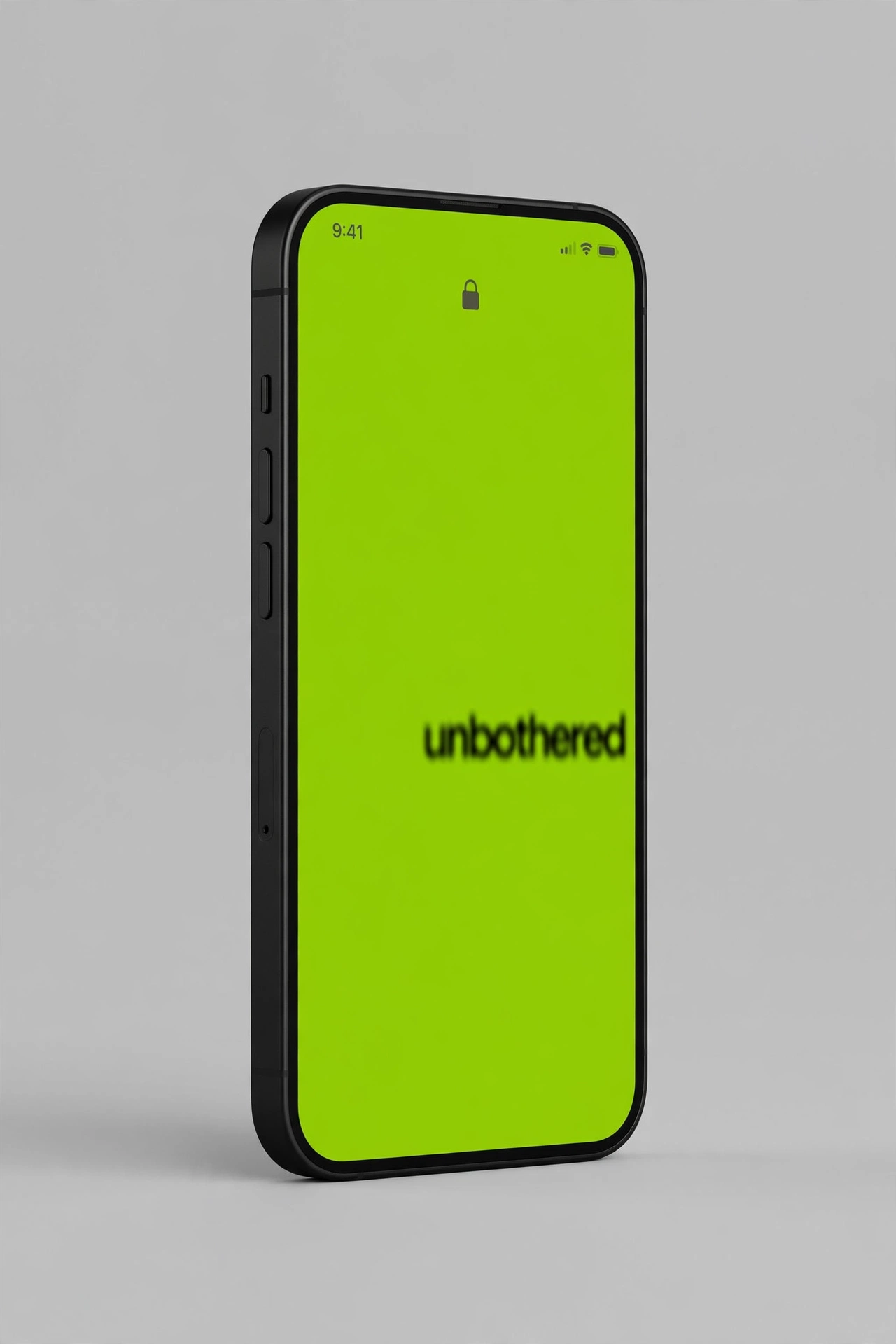
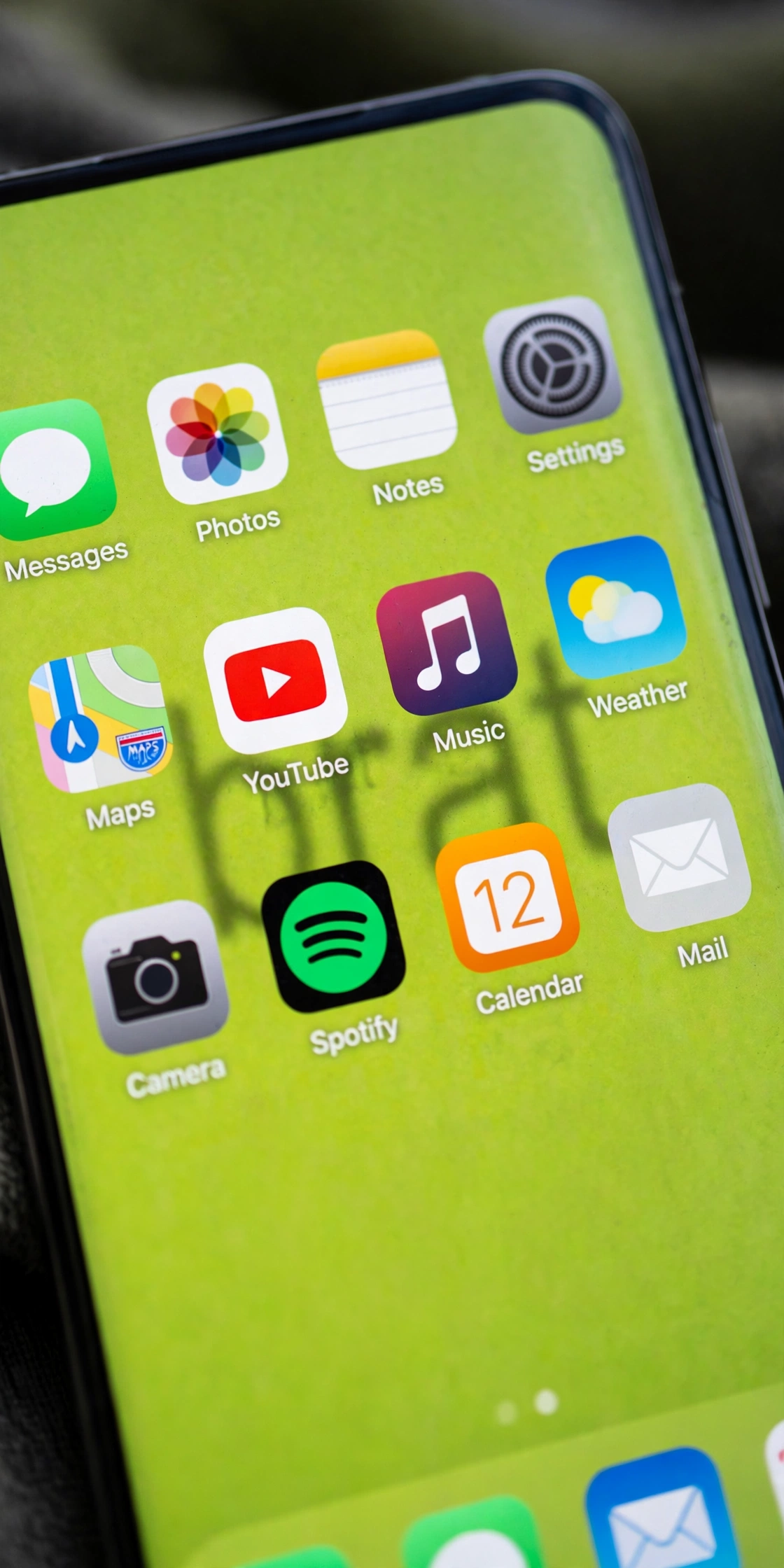
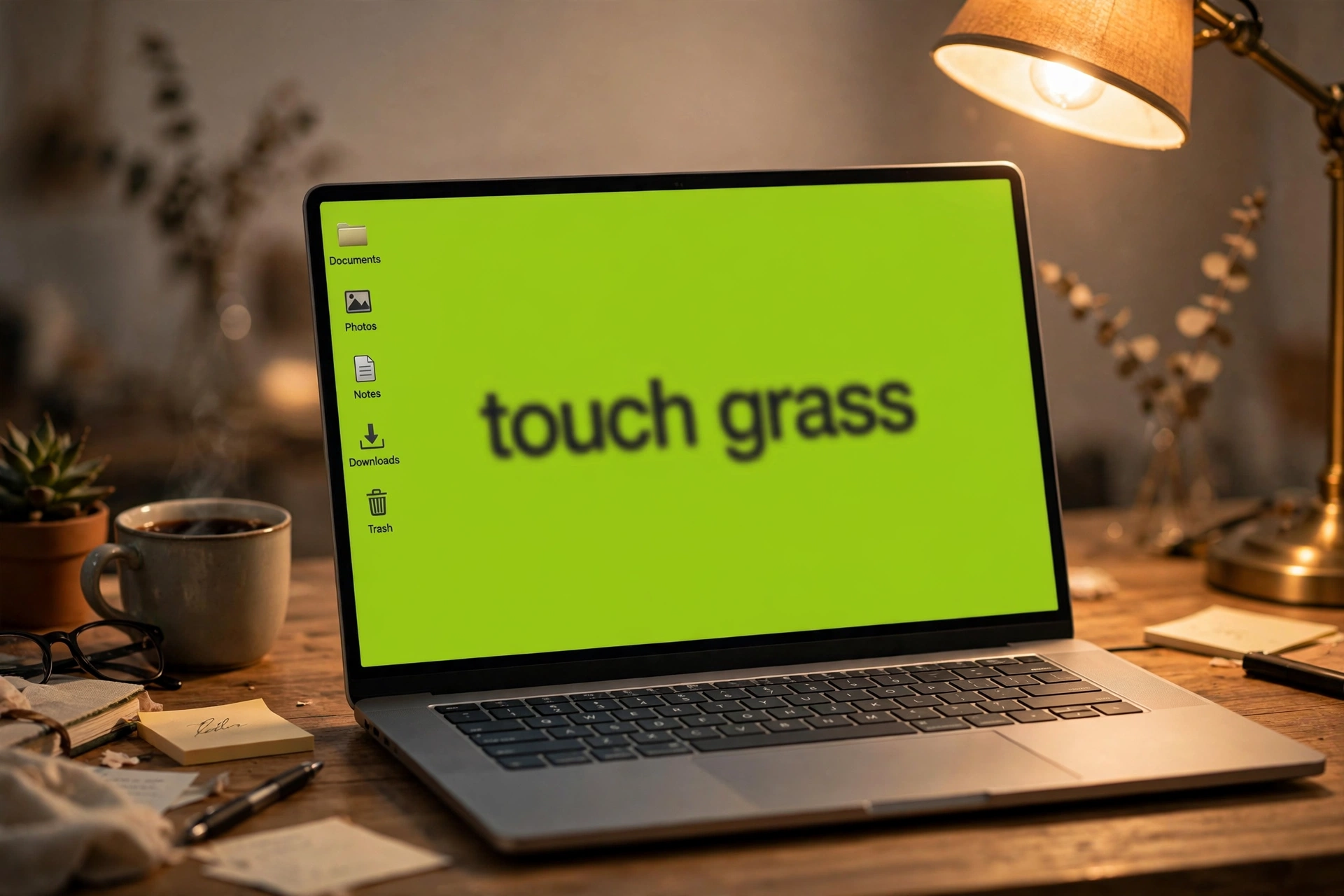
Your lock screen is the thing you see most and think about least. A hundred glances a day at a default gradient, when it could be a lime green square saying “touch grass” in blurry lowercase. That’s the whole pitch of a brat wallpaper generator: one word of attitude, the Charli XCX brat aesthetic, applied to the surface you stare at more than any other. I tested the one on this site specifically for wallpaper duty — download, dimensions, how the square export survives the crop to a tall phone screen, whether the text stays readable under your clock and widgets. Here’s everything that actually happened.
First, the honest summary: this tool’s export is a square 1080×1080 PNG, not a tall phone-sized wallpaper. That sounds like a disqualifier, but phones handle it better than you’d expect — the lock screen centers and crops, so as long as your text sits in the middle band, the result looks intentional. I’ll show exactly where the safe zone is below, because none of the top-ranking guides for this keyword bothered to measure it.
What a brat wallpaper generator does (and what a good one needs)
The brat look is simple enough to describe in one sentence: the album-cover green (#8ACE00, the Pantone 3507C shade Charli XCX (Brat) made famous), one blunt lowercase word, rendered slightly blurred like the original cover. Every generator in this niche makes that. What separates a decent wallpaper tool from a meme tool is the follow-through: export dimensions that fit an actual phone, text placement that survives the lock-screen clock, and colors with enough contrast to stay readable behind widgets.
I read the top 10 ranking pages for “brat wallpaper generator” before testing. The pattern: almost everyone lists wallpaper as a use case and almost nobody explains how to actually do it. One page advertises a dedicated wallpaper tool with an iOS preview — then the tool itself doesn’t load when you click through. Another publishes the wrong green (#A6FF3C instead of #8ACE00) as if it were the signature shade. None of them tell you where your text lands when a 1080×1080 square gets cropped onto a 19.5:9 phone screen. So that’s what this article is really about: the measured, verified path from a browser tab to your lock screen.
I tested the brat wallpaper generator on brratgenerator.com — the full run
Testing for wallpaper duty means testing differently than testing for memes. For a meme, the bar is speed; for a wallpaper, it’s dimensions, placement, and readability. I opened the generator and ran the whole thing with real keystrokes and real clicks, then verified the download byte by byte.
The export is 1080×1080, verified byte-level. I clicked Download PNG and checked the file: exactly 1080×1080 pixels, valid PNG, no watermark, no signup wall. The file downloaded during today’s recording was 41,640 bytes with “brat girl autumn” in white on black (size varies with text and colors, as PNG compression does — I also measured 40,377 and 36,569 bytes across sessions). That’s a genuine square — good for the lock screen crop trick I’ll explain next, small for desktop wallpaper duty (it stretches on a 1920×1080 monitor, though the flat color hides stretching better than a photo would). One more internals note from the export code: the text is a fixed 96px, centered, single line — long captions squish horizontally instead of wrapping (maxWidth 900), so short captions look noticeably better.
The 50-character cap is silent, and it matters more for wallpapers. Typed with real keystrokes: the field stops accepting input at exactly 50 characters, counter frozen at 50/50, no warning. For a lock screen you want one to three words anyway — “touch grass,” “unbothered,” “brat autumn” — so the cap rarely bites. But if you’re doing a two-line phrase with spaces, test the full string before downloading.
Colors: six swatches, verified hexes. The signature brat green (#8ACE00), neon yellow-green (#C7FF00), cyan (#00E5FF), magenta (#FF00FF), hot yellow (#FFEA00), black (#000000) — presets only, no custom background picker (the single color input on the page controls text color, default #111111). Every swatch flipped the whole cover instantly, no reload. Nice touch: the black swatch auto-flips the text to white so it stays readable. For wallpaper readability: dark text on brat green stays legible under an iPhone lock-screen clock; white text on magenta also works. The contrast fails only when you get cute — yellow text on lime green is unreadable, and your wallpaper is there to be read at a glance.
Sliders: border radius 0–60 (preview only), font weight 300–900. Honest finding: I downloaded with the radius maxed at 60 and checked the PNG’s corners pixel by pixel — all four were fully opaque background color. The radius slider changes the on-screen preview only; the export is always a hard square. Don’t plan a wallpaper around rounded corners. Font weight 300–900 (step 100) does apply live and genuinely: 900 makes the word punch through at a glance, 300 goes delicate and album-authentic. Defaults on my load were 14 and 600.
Three fonts: Arial, Impact, Helvetica. Honest caveat: my Linux test machine doesn’t have these installed, so the preview fell back to a serif — on your phone or laptop they render correctly. None is the real album typeface (a condensed, stretched, blurred face closer to Arial Narrow), but Arial at 900 weight lands about 80% of the look. For a wallpaper seen at arm’s length, that 80% is fine.
No blur control — the signature gap again. The defining trait of the brat cover is the slight gaussian blur on the type, and this tool renders text crisp. The preview doesn’t blur it for you. If you want the authentic haze, you can add it after download — but the tool itself won’t. This is the single biggest thing competitors’ dedicated wallpaper tools claim to offer and this one doesn’t.
How to actually set a 1080×1080 square as your phone wallpaper
This is the part nobody else measured, so let me be precise. Modern phone screens are tall: an iPhone lock screen is roughly 1170×2532 (about 19.5:9), most Androids are 1080×2400 (20:9). When you set a square image as wallpaper, the phone centers it and crops top and bottom. For a 1080×1080 square on a 19.5:9 screen, you keep roughly the middle 55% of the image vertically — a horizontal band. Everything outside that band gets cut.
That means: keep your word dead-center. This tool centers text automatically, which is exactly the behavior you want. Short captions sit in the safe middle band with room to spare. What gets cropped are the empty green margins — which, on a flat-color wallpaper, are invisible losses.
The lock-screen clock sits in the top third. On iOS, the clock and widgets overlay the wallpaper behind them. Because your square is cropped to the middle band, the clock lands over your centered text on some phones — I watched it happen. The fix is the weight slider: 900-weight type reads fine behind a translucent clock, and the blurry album look was always meant to be a little obscured. On Android, check your widget stack before finalizing.
Desktop is the weak spot. A 1080×1080 square stretched to a 1920×1080 desktop gets soft, and 4K monitors will show it. If the desktop is your target, type your caption, download the PNG, and center it on a larger canvas (even Paint or Preview will do) — the flat green makes the borders invisible. Or wait for a dedicated tall-portrait export; the tool doesn’t have one yet.
Watch it happen (real screen recording)
Rather than describe the clicks again: here’s the actual tool, recorded live — typing “brat girl autumn” with real keystrokes (counter ticking to 16/50), flipping cyan to magenta, clicking the radius and weight sliders, then downloading the PNG (you can see Chrome’s download shelf confirm it on camera):
Brat wallpaper generator vs. the competition: an honest table
Here’s how the tool I tested compares to the strongest alternatives from the top-10 pages I read, grounded in what I actually verified today:
| Feature | This site’s brat wallpaper generator | Best alternative I found |
|---|---|---|
| Signature green accuracy | #8ACE00, verified — matches Pantone 3507C | bratgenerator.in — publishes #A6FF3C (wrong shade) |
| Portrait export (1080×1920) | No — square 1080×1080 only, verified | bratgeneratorone.com / bratgeneratortool.com — claim 1080×1920 presets, unverified in my testing |
| Device-fit guidance | This article: measured crop math + clock safe zone | None of the top 10 measured it; inbratgenerator.com advertises an iOS preview I couldn’t load |
| Blur control (signature look) | None — text renders crisp | bratgeneratorone.com — blur 0–10px slider (claimed) |
| Formats | PNG only, verified | bratgeneratorone.com — PNG/JPG/WebP (claimed) |
| Live preview while typing | Yes, per-keystroke — verified | Most competitors — yes, but none demonstrated on video |
| Price / watermark / signup | Free, none, none — verified byte-level | All serious competitors — also free, no watermark |
| Screen recording of real use | Yes — embedded above | None found in the top 10 |
The verdict: this tool wins on honesty and speed — what you see is exactly what downloads, with zero friction. It loses on dedicated wallpaper features: no portrait export, no blur, PNG only. If you need a true 1080×1920 tall wallpaper with a blur slider, the heavier tools are worth the extra minute. If you need a lock screen that says “unbothered” before your coffee cools, this is the fastest verified path.
Caption ideas that actually work as wallpapers
A wallpaper caption has a different job than a meme caption. It has to survive a hundred glances a day without getting annoying, and stay readable at arm’s length. Short wins: “touch grass,” “unbothered,” “brat autumn,” “mood,” “chaos,” “offline.” Two-line phrases work if you test the 50-character cap first. Skip anything you’d be embarrassed to have a coworker read over your shoulder — the lock screen is public real estate.
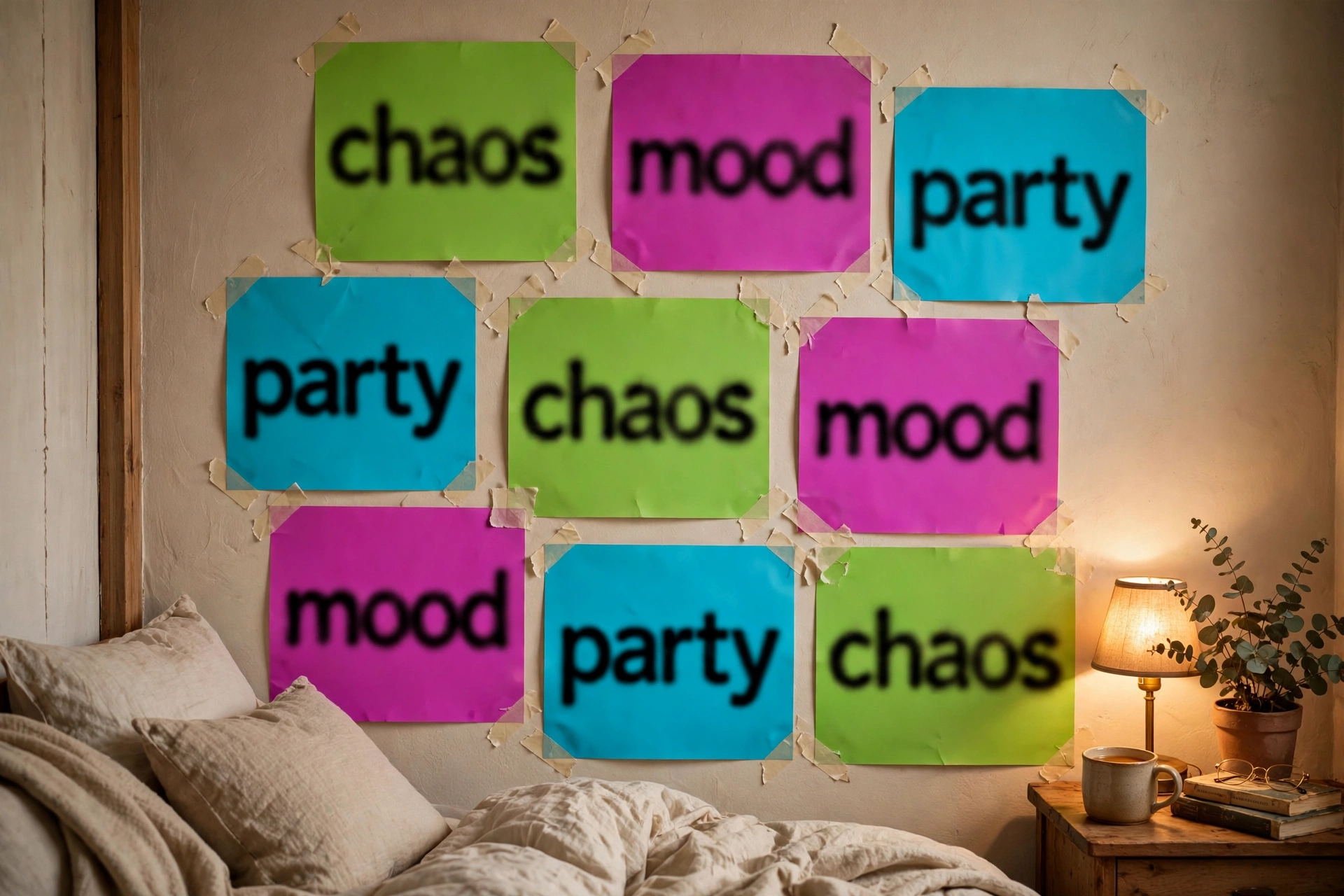
Color strategy matters more than people think. The classic brat green is the most legible choice with black text; magenta with white text is the runner-up. I also tested the poster-wall angle: generate four or five covers in different swatch colors, download each PNG, and print them as a collage — the flat colors print cleanly even on a home printer. That’s a wallpaper for your actual wall.
Where it falls short (honest gaps)
No review is useful without the misses, and I’ve got four: no portrait export (1080×1920 would make this a one-step lock-screen tool); no blur control (the signature album trait, still missing); PNG only (WebP would shrink lock-screen files for low-storage phones); and the silent 50-character cap (your keystrokes vanish with no warning). The tool also can’t do photo backgrounds or drag-to-position text — competitors like thebratgeneratory.com offer both, at the cost of a heavier interface.
None of these is fatal for wallpaper duty. The square export is the real friction, and the crop math above solves it. Everything else is polish the tool doesn’t have yet.
FAQ
Can I use a brat wallpaper generator output as my iPhone lock screen?
Yes. Download the PNG, open it in Photos, tap Share → Use as Wallpaper. The phone centers and crops the 1080×1080 square; keep your text centered (the tool does this automatically) and it lands in the safe middle band. On iOS the lock-screen clock overlays the top of the image, so short centered captions work best.
What size should a brat wallpaper be?
Ideally 1080×1920 or your phone’s native resolution (iPhone ~1170×2532, Android ~1080×2400). This generator exports 1080×1080, which phones crop-center to the screen — verified working, with the text safe zone explained above. For desktop, 1920×1080 is the standard; center the square on a larger canvas.
Is the brat green color #8ACE00?
Yes — #8ACE00 is the verified signature shade (Pantone 3507C). Beware guides publishing #A6FF3C as the brat green; that’s a noticeably different, more yellow green. The generator’s default swatch uses the correct #8ACE00.
Is it free? Any watermark or signup?
Completely free, no watermark, no signup — I verified the downloaded PNG byte-level. The download button just works.
Can I make a brat wallpaper with custom text?
Yes — type up to 50 characters (the cap is silent, so count before downloading), pick from six color swatches (background presets only; the color input controls text color, default #111111), adjust font weight (300–900, applies live), and choose from three fonts. Note the text is single-line: long captions squish horizontally instead of wrapping, so keep it short. The radius slider changes the preview only — the download is always a hard square.
The bottom line
A brat wallpaper generator is a five-minute tool for a hundred-glances-a-day surface, and the one here is the fastest verified route I found: type, pick green, download, set as wallpaper. The square export needs the crop trick, and the blur is missing — but for a lock screen that says exactly one thing, it’s done before your coffee cools. If you came for the font details or meme angle, those are covered separately.