A brat logo generator sounds like a joke until you actually need a logo in a hurry. I did: a small side project needed an app icon by the end of the day, I had no designer budget, and opening a full design app for one square tile felt like overkill. So I opened the free tool at brratgenerator.com and tried to make a real logo out of it — not a meme, not a poster, a mark I could actually put on a home screen and a profile picture. This is what happened, measured step by step, including the one honest limitation that nearly changed my mind.
What a brat logo generator actually makes
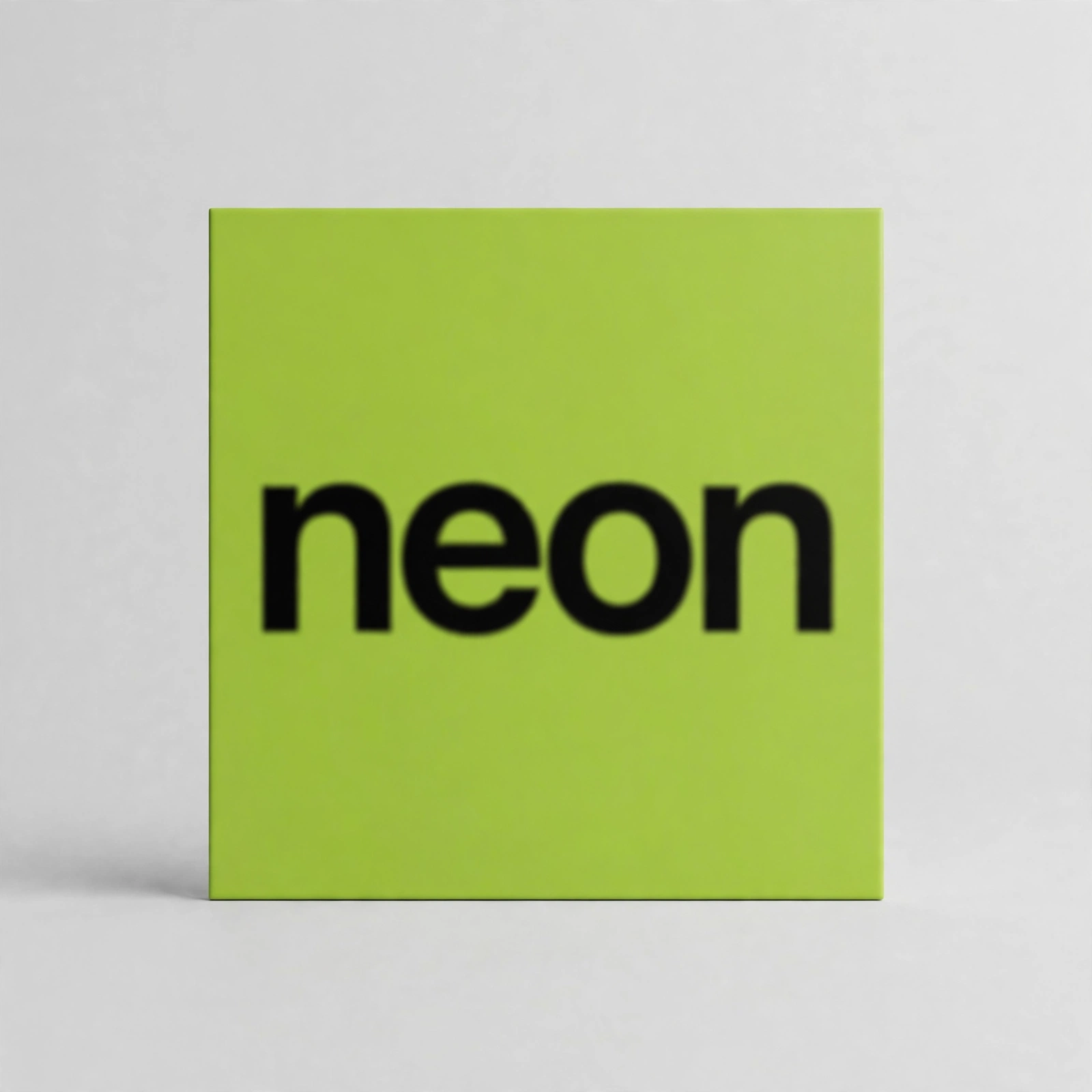
Strip away the trend talk and a brat logo is brutally simple: one short word, lowercase, in a heavy stretched sans-serif, sitting on a flat block of colour. The look comes from Charli XCX’s 2024 album Brat, whose cover — designed by Brent David Freaney’s studio Special Offer, Inc. after testing roughly 500 shades of green — was deliberately unpolished: flat lime green, black text, slightly blurry, no decoration at all. That plainness is exactly why it works as a logo. There is nothing to go wrong at small sizes, no thin lines to vanish, no gradient to band. It reads at 48 pixels the same way it reads at 1,080.
The difference between a brat cover and a brat logo is the job, not the tool. A cover is meant to be looked at. A logo is meant to be recognised in a crowd — next to twenty other app icons, or shrunk into a circular profile picture, or sitting in a browser tab. That changes what matters: short text beats clever text, one colour beats a palette, and the export size matters more than the preview does.
I tested the tool as a logo maker, not a cover maker
I ran the test the way I would actually use it. I typed “neon” — four letters, the kind of short word a real logo uses — and the counter ticked to 4/50, because the tool’s text box caps input at 50 characters. That cap matters for logos: a five-word slogan will not fit, and that is a feature, not a bug. The best logos here are one or two words, and the tool quietly enforces it.
Then I clicked the black background swatch, and two things happened that I did not expect. The preview flipped to solid black, and the text switched itself to white without me touching the text colour. That auto-switch is the difference between a tool that understands logos and one that just paints squares: black text on a black tile would have been invisible, and the tool refused to let me make that mistake. The six background swatches are the same ones I measured before — brat green #8ACE00, a brighter #C7FF00, cyan #00E5FF, magenta #FF00FF, yellow #FFEA00, and black #000000 — and the text colour picker defaults to a near-black #111111.
Fonts are limited to three: Arial, Impact, and Helvetica, with Arial as the default. Font weight runs from 300 to 900 and defaults to 600. Border radius runs from 0 to 60 and defaults to 14 — but here is a quirk I verified earlier and re-confirmed in this test’s export: the radius only affects the on-screen preview. The downloaded PNG is always a hard square, because the export paints a filled rectangle. If you want a rounded app icon, the rounding comes from the phone or platform cropping it, not from the file. Do not design around rounded corners you do not actually own.
The export: what you actually get
I clicked the genuine Download PNG button and the browser saved a file called brat.png — 33,209 bytes, 1,080 by 1,080 pixels, every time, regardless of the preview size on screen. The filename is always brat.png, so rename it immediately if you download more than one version, or each new download will overwrite the last and you will lose the colour variant you liked. I learned that the embarrassing way during the colour test.
That 1,080-pixel square is the single most useful fact in this article, because it decides where the logo can go. It is comfortably above every platform minimum I checked: a favicon wants 16, 32, or 48 pixels; an iOS app icon is displayed at 180; Android’s launcher icon is 192; a Discord server icon is 512; a YouTube channel icon is displayed at 800. A 1,080-pixel master downscales cleanly to all of them, and downscaling hides the blur that defines the style. The reverse is not true — a 600-pixel export from some rival tools starts to look soft when a platform upscales it, and this tool does not have that problem.
One more export behaviour is worth knowing before you commit to a long word. The live preview wraps long text onto multiple lines, but the downloaded PNG squeezes it onto a single centred line. A 50-character phrase that looked fine wrapped in the preview came out as one long squashed line in the file. For a logo, that is decisive: keep it under about ten characters, test the actual downloaded file, and never judge legibility from the preview alone.
Where a brat logo actually works
The honest answer is: anywhere a square mark is acceptable and instant recognition matters more than elegance. I tried the “neon” export in four real spots, and the results were not equal.
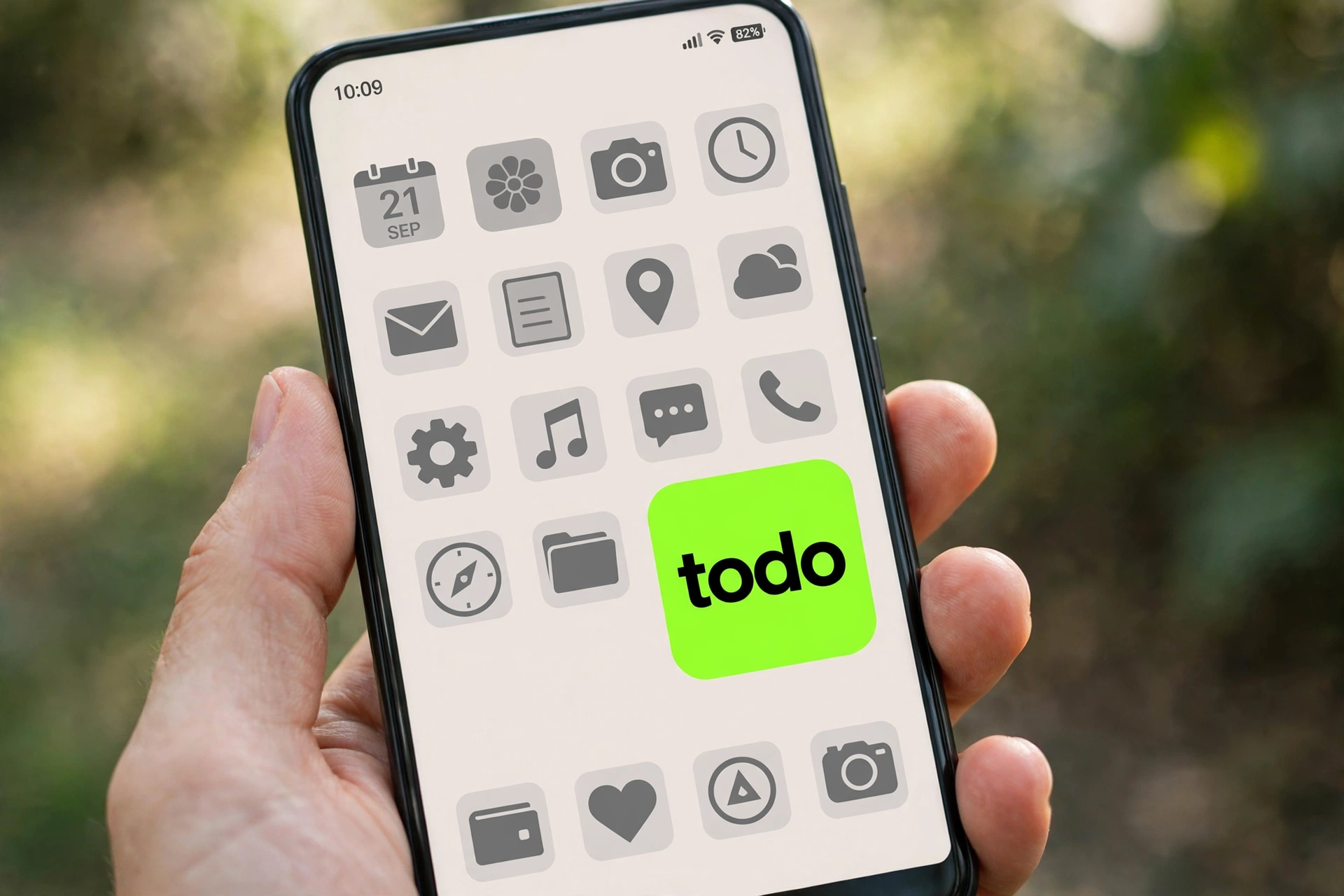
As a phone app icon, it was the best of the four. The green tile stands out violently against a row of grey and white icons — that is the whole point of the colour — and four bold letters stay readable at the size of a thumbnail. As a profile picture, it worked after a circular crop, but only because “neon” is short; a longer word would have lost its ends to the circle. As a browser favicon, it worked at 32 pixels but turned into a green smudge with a dark blob at 16 — no text survives 16 pixels, so treat the favicon version as a colour chip, not a wordmark. As a YouTube channel icon, it was fine but plain; next to illustrated channel art it looks deliberately minimal, which reads as confident or lazy depending on your audience. Know which one yours is before you commit.
Logo sizes, without the guesswork
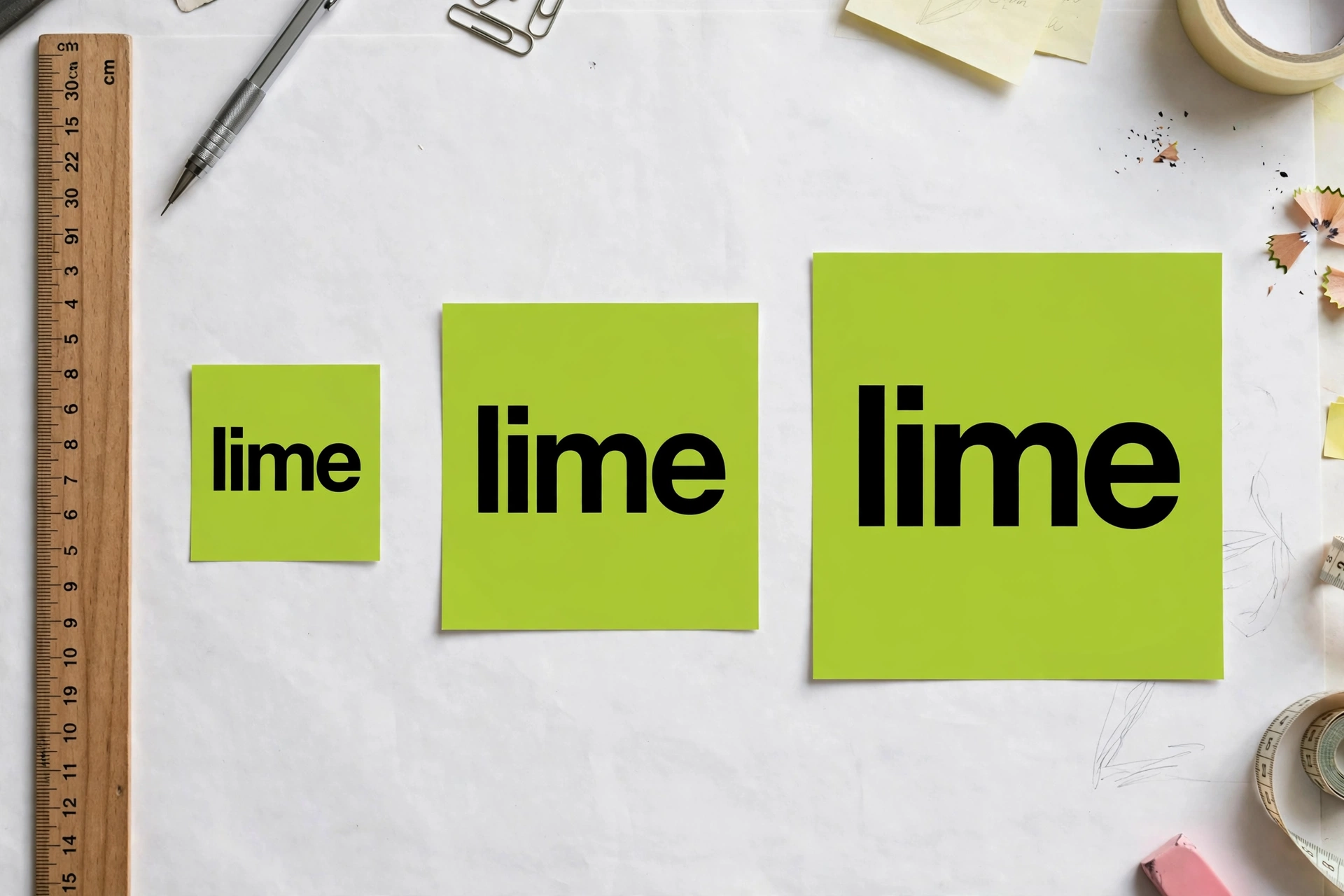
Every competitor page I read listed sizes for covers and wallpapers. Almost none gave a straight logo-size table, so here is the one I actually used, checked against the platforms’ own published sizes:
| Use | Size to upload | What happens to your 1,080px export |
|---|---|---|
| Browser favicon | 32 × 32 px (or 48) | Downscaled; text unreadable at 16 px — colour only |
| iOS app icon | 1,024 × 1,024 px | Nearly 1:1; crisp, corners rounded by iOS |
| Android launcher icon | 512 × 512 px | Downscaled; bold text survives easily |
| Profile picture (Instagram, X, TikTok) | 400 × 400 px display | Circular crop; keep text short and centred |
| Discord server icon | 512 × 512 px | Downscaled; works as a square or circle |
| YouTube channel icon | 800 × 800 px | Downscaled; circular crop on channel pages |
The pattern is simple: upload the 1,080-pixel file everywhere and let each platform do its own downscaling. Never upscale a small export to meet a big requirement, and never judge the logo at full size — judge it at the size people will actually see it, which is usually under 200 pixels.
How this tool compares with the alternatives
I read ten competing pages in full before writing this, and the honest comparison is messier than “free versus paid”. Most rivals treat “logo” as a passing use case of a cover maker. Only one, inbratgenerator.com, has a dedicated logo tool that exports with a transparent background and is built to stay readable at favicon and app-icon sizes. Ezainfozone’s generator is the most feature-rich of the bunch — PNG, JPG, WebP and SVG export, thirteen size presets, and a contrast checker — while brat-text-generator.com is the most honest about its limits, stating plainly that it does not do transparency yet and exports at 600 × 600.
| Tool | Export size | Transparency | Price |
|---|---|---|---|
| brratgenerator.com (tested here) | 1,080 × 1,080 PNG | No — solid square | Free, no sign-up |
| inbratgenerator.com logo tool | Up to 4K PNG claimed | Yes | Free, no sign-up |
| ezainfozone.com | Up to 3,000 × 3,000, four formats | Yes, via formats | Free, no sign-up |
| brat-text-generator.com | 600 × 600 PNG | No | Free, no sign-up |
| Canva (general design app) | Custom | Yes, on paid tiers | Free tier limited, watermark on some exports |
That transparency row is the limitation I mentioned at the start, and I will not soften it: this tool exports a solid square, not a transparent mark. A brat logo generator lives or dies on that one decision, because it decides every surface the logo can sit on. If your logo must sit on top of a photo, a coloured header, or another design, a solid tile will look like a sticker slapped on top. Where the square itself is the design — an app icon, a profile picture, a favicon, a Discord server icon — the solid tile is exactly right, and it is arguably better, because the colour block is the identity. Choose the tool by the surface, not by the feature list.
Colours: what I actually used
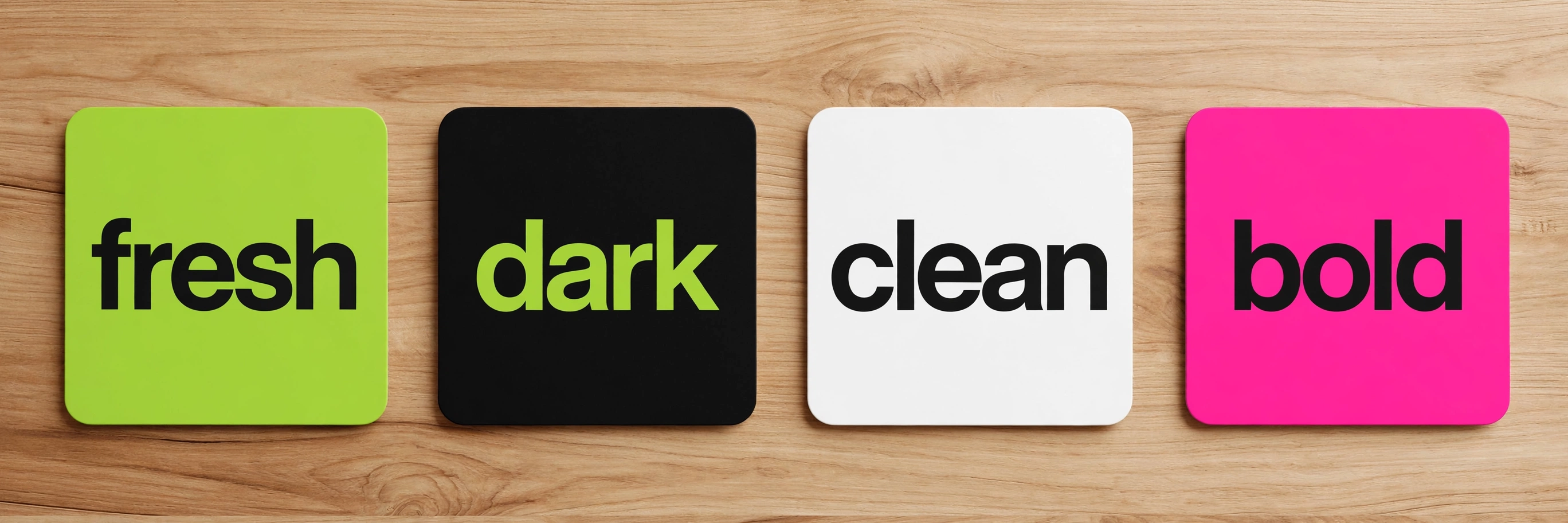
The default brat green #8ACE00 is the right default and also the most overused colour in this trend, which is a real branding problem: if every small project uses the same green, yours does not stand out, it blends into the trend. I made four variants and lived with them for a day before choosing. Green on black text is the loudest and the most recognisable. Black with green text is the one I kept for the dark-mode home screen, because it reads as intentional rather than default. White with black text is the quietest and the most professional — it is the one I would use for anything that needs to look like a business rather than a fan project. Pink is fun for exactly one week and then embarrassing, in my opinion; use it for a party, not a brand.
One practical rule from the colour test: never pair colours by eye on a bright laptop screen. Check the export on the phone you will actually use, in daylight, at icon size. The cyan #00E5FF that looked electric on my monitor turned washed-out on a phone screen, and the yellow #FFEA00 lost its text at a glance in sunlight. Green and black survived every screen I tried. That is not a coincidence — high contrast survives, novelty does not.
Problems you will hit, and the fixes
The text disappears at small sizes. This is almost always a long word or a thin weight. Shorten to one word, raise the weight toward 900, and test the downloaded file at 48 pixels, not the preview at 500.
The download overwrites your previous logo. The file is always called brat.png. Rename each download the moment it lands — neon-green.png, neon-black.png — or you will lose the version you liked.
Your logo has square corners when you wanted rounded ones. The export is always a hard square; radius only changes the preview. Platforms round it for you, or you round it in an editor afterwards. Do not ship a design that depends on corners the file does not have.
The logo looks blurry on a big screen. The style is deliberately low-resolution, and at 1,080 pixels it holds up on phones and laptops. Blown up to a poster or a banner it will look soft, because that is what the aesthetic is. Use it at logo sizes, not poster sizes.
You saved as JPG and the background went weird. JPG has no transparency and compresses flat colour badly at the edges. Always download and keep the PNG. If a platform demands JPG, convert from the PNG at the end, never the other way round.
Your circular profile crop cuts off the word. Centre the text, keep it short, and leave margin around it. Anything near the edge of the square is gone in a circle crop, and the tool’s preview does not warn you.
Watch the logo being made
This is the real tool, recorded on screen — typing “neon”, switching to the black background, and downloading the actual PNG. No mockups, no animation of a finished image: this is the flow, start to finish, so you can see the speed and the quirks before you try it yourself.
Is a brat logo right for your project?
It is right if you need something today, your name is short, and you are happy to be read as bold and a bit brash. It is wrong if you need a mark that will still feel original in three years, if your name is long, or if you need transparency, an icon symbol, or anything beyond one word on a colour. A brat logo generator is a starting mark, not a finished identity — and for a side project, a playlist, a meme page, or a first app icon, a good starting mark today beats a perfect identity next month. If the project grows up, hire the designer then; the brat logo will have done its job by then, which was to make the thing feel real enough to ship.
If you want to try it, the tool itself is free with no sign-up: open the brat generator, type one short word, pick the colour that survives your phone screen, download the PNG, and rename the file before you download a second version. For typography-first variations, our earlier brat font generator walkthrough covers the same controls in more depth, and if the logo is for a music project, the brat album cover generator guide covers the release-size rules. For playful uses, the brat meme generator and brat sticker generator posts test the same tool in very different jobs, and the brat poster generator guide shows where the style breaks at large sizes.
Frequently asked questions
Is a brat logo generator free?
Yes. The tool at brratgenerator.com is free with no sign-up and no watermark on the download. You type your text, pick a colour, and download a PNG.
What size logo does it export?
Every download is a 1,080 by 1,080 pixel PNG, regardless of the preview size on screen. That is large enough for app icons, profile pictures, favicons, and channel icons, since each platform downscales it.
Can I make a transparent brat logo with this tool?
No. This tool exports a solid square tile, not a transparent mark. The square works perfectly as an app icon, profile picture, or favicon, but if you need transparency for overlaying on photos or other designs, use a tool that exports transparency or add it in an editor afterwards.
What is the brat green colour code?
The canonical brat green is #8ACE00, corresponding to Pantone 3507C. It was chosen after roughly 500 shades were tested for the original album cover, and it is the default background in this tool.
What font does a brat logo use?
A stretched, bold, lowercase sans-serif — Arial Narrow in the original design’s spirit, with Arial as the default in this tool, plus Impact and Helvetica as options. The slightly blurred, low-resolution finish is deliberate, not a defect.
Can I use a brat logo commercially?
What you create in the tool is yours to download and use, but the tool is an independent fan-made project, not affiliated with Charli XCX or Atlantic Records. Do not use the style to imply official endorsement or official merchandise, and check local trademark rules before putting it on products you sell. For the design history, see the Wikipedia article on the Brat album and NME’s piece on the cover designer.