My bedroom wall has been the same sad beige since I moved in, and the one poster I owned — a band print I never actually liked — finally curled off the wall last month. So when I decided to test this site’s brat poster generator angle properly, I wasn’t thinking about memes or phone wallpapers. I wanted to know one thing: can a free browser tool that exports a plain square PNG genuinely feed a poster habit — bedroom walls, party flyers, dorm decor? I ran the whole pipeline with real keystrokes, clicked the real Download PNG button on camera, and measured the export byte by byte. Short answer: yes, for wall-sized prints up to a point, and there’s one print-size catch nobody tells you about. Long answer below.
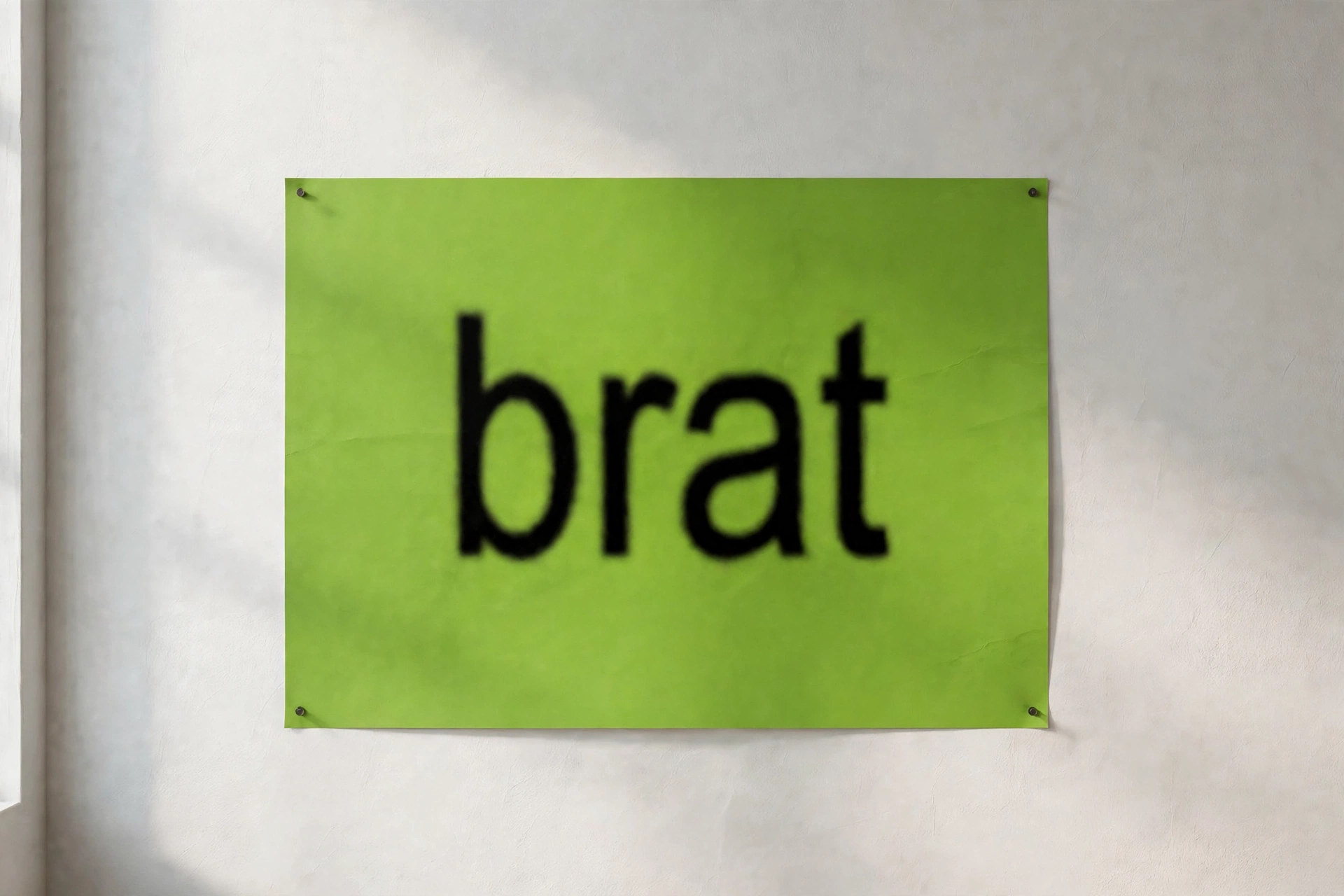
The look, for the uninitiated, is the brat album aesthetic: that acidic lime green, one blunt lowercase word, slightly blurred like the cover Charli XCX released in 2024. It was designed to be an album cover, but it accidentally became the easiest poster format on the internet — one color, one word, zero design skill required. That’s exactly why a brat poster generator works as a poster maker: the style is the design.
What a brat poster generator actually makes
The tool is disarmingly simple: type up to 50 characters, pick one of six background swatches, adjust font weight and border radius, choose from three fonts, and download a 1080×1080 PNG. No signup, no watermark, live preview as you type. That’s the whole machine — and for posters, the simplicity is the feature. A poster that takes 40 seconds to make is a poster you’ll actually make five of.
What downloads is always a square: 1080 pixels on each side, opaque background filling the entire canvas. There is no portrait or landscape mode, no custom dimensions, no transparent background. For a poster workflow this matters more than it sounds, because most real posters are rectangles — A4, A3, 24×36. I’ll give you the honest print math and the two workarounds below.
I tested it as a poster maker — the full run, measured
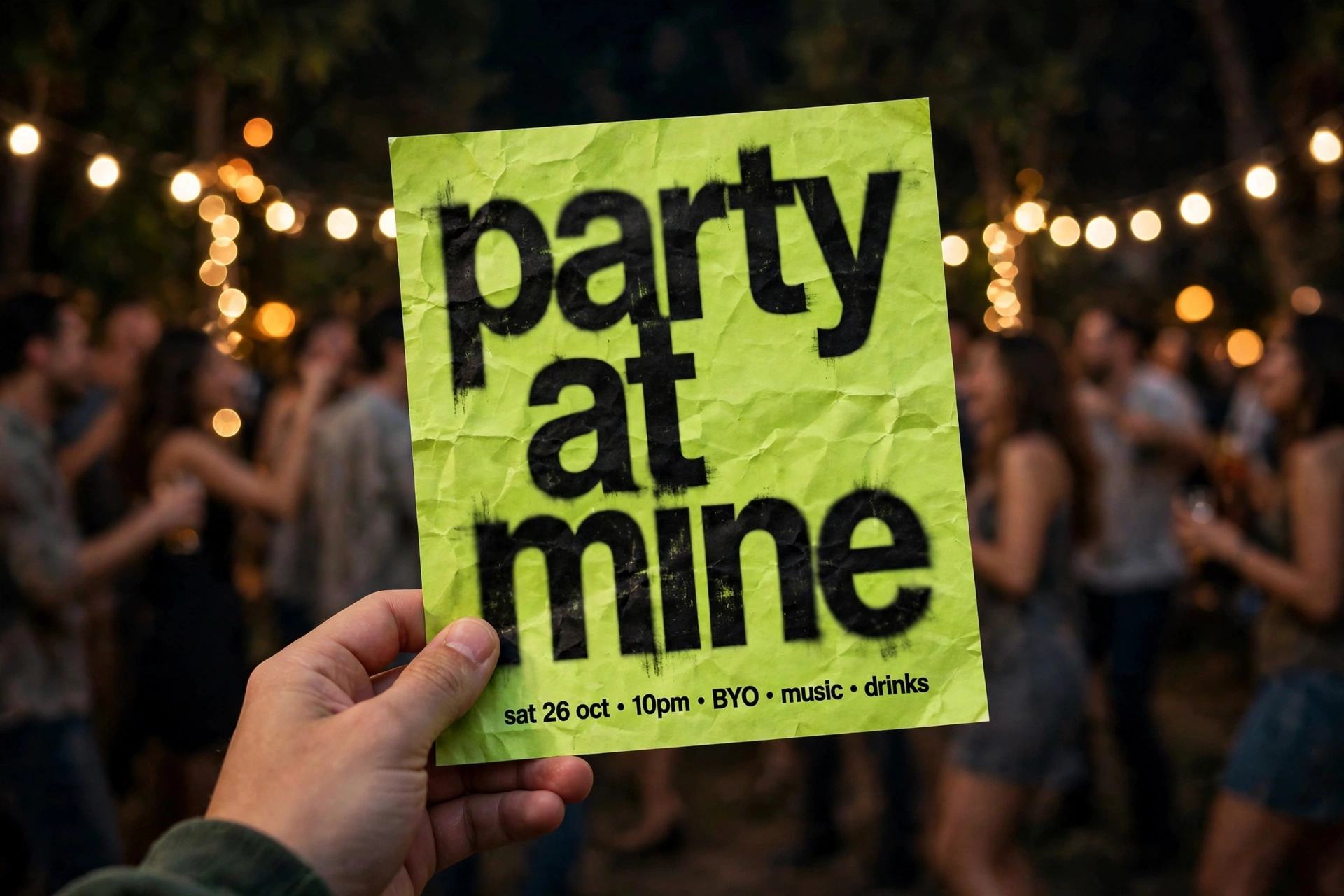
Poster duty means testing with poster text: short, punchy, lowercase. I typed “party at mine” — 13 characters — into the field with real keystrokes. It landed, the counter ticked to 13/50, and the preview updated live. Then I pushed it: typed a 54-character sentence to test the cap. The field stopped dead at exactly 50 characters, counter frozen at 50/50, no warning, no error. For posters this is a real constraint, not a footnote — “you are cordially invited to the worst party of the year” doesn’t fit, and the tool won’t tell you why your sentence got chopped. Keep poster text under a dozen words and you’ll never notice.
Six swatches, verified hexes. I read the computed background colors straight from the page: #8ACE00 (the real brat green), #C7FF00, #00E5FF, #FF00FF, #FFEA00, and #000000. The single color picker on the page controls text color only (default #111111) — there is no custom background picker, so your poster palette is these six and nothing else. The black swatch auto-flips the text to white, which is the correct call and the only swatch that does it. For a bedroom wall, brat green with black text is the classic; for a party flyer, the magenta (#FF00FF) with black text photographs shockingly well under warm light.
The export is a verified 1080×1080 PNG. I clicked the actual “Download PNG” button and inspected what came down: valid PNG, 1080 pixels square, opaque background in every corner — exactly the swatch color, zero alpha. The file is named brat.png. Internals from the tool’s own code: the text renders centered, single line, and long captions get horizontally squished instead of wrapping. So “party at mine” fits beautifully; a full sentence gets compressed into an unreadable smear. Short text isn’t a suggestion here, it’s a requirement.
Sliders: border radius 0–60, font weight 300–900. The radius slider (default 14) changes the on-screen preview only — the downloaded PNG is always a hard square, corners fully opaque. Don’t design around rounded corners; they don’t survive the export. Font weight runs 300 to 900 in steps of 100 (default 600) and genuinely applies to the download. At 900, a one-word poster punches through from across the room, which is what you want on a wall. Three fonts: Arial, Impact, Helvetica. Arial at 900 is closest to the album’s actual look; Impact is the loudest.
Copy Image works; Reset works. Reset cleared the input, zeroed the counter, and restored the defaults. One honest gap: there is no blur control anywhere in the tool. The signature brat album haze — that slightly out-of-focus text — isn’t reproducible here; the text renders crisp. On a wall poster viewed from a few feet away, the missing blur is honestly less noticeable than on a phone wallpaper. Up close, a design nerd will spot it.
Watch it happen (real screen recording)
The full poster run on camera: the real brratgenerator.com tool, typing “party at mine” into the actual input, the live preview, and the genuine Download PNG click:
Here’s the thing nobody in the top 10 ranking pages for this keyword will tell you: every “brat poster generator” guide they publish stops at the download button. I read all ten in full. They’ll walk you through typing text and picking colors — one of them even gets the brat green hex wrong (it’s #8ACE00, not #A6FF3C) — but only one even mentions printing, and it just says the resolution is too small. Nobody gives you the real print workflow: what pixel size per print size, what paper, where to print, how the square format fits a rectangular frame. That’s the gap this article fills, with measurements from the actual tool instead of adjectives.
The poster-size problem nobody mentions
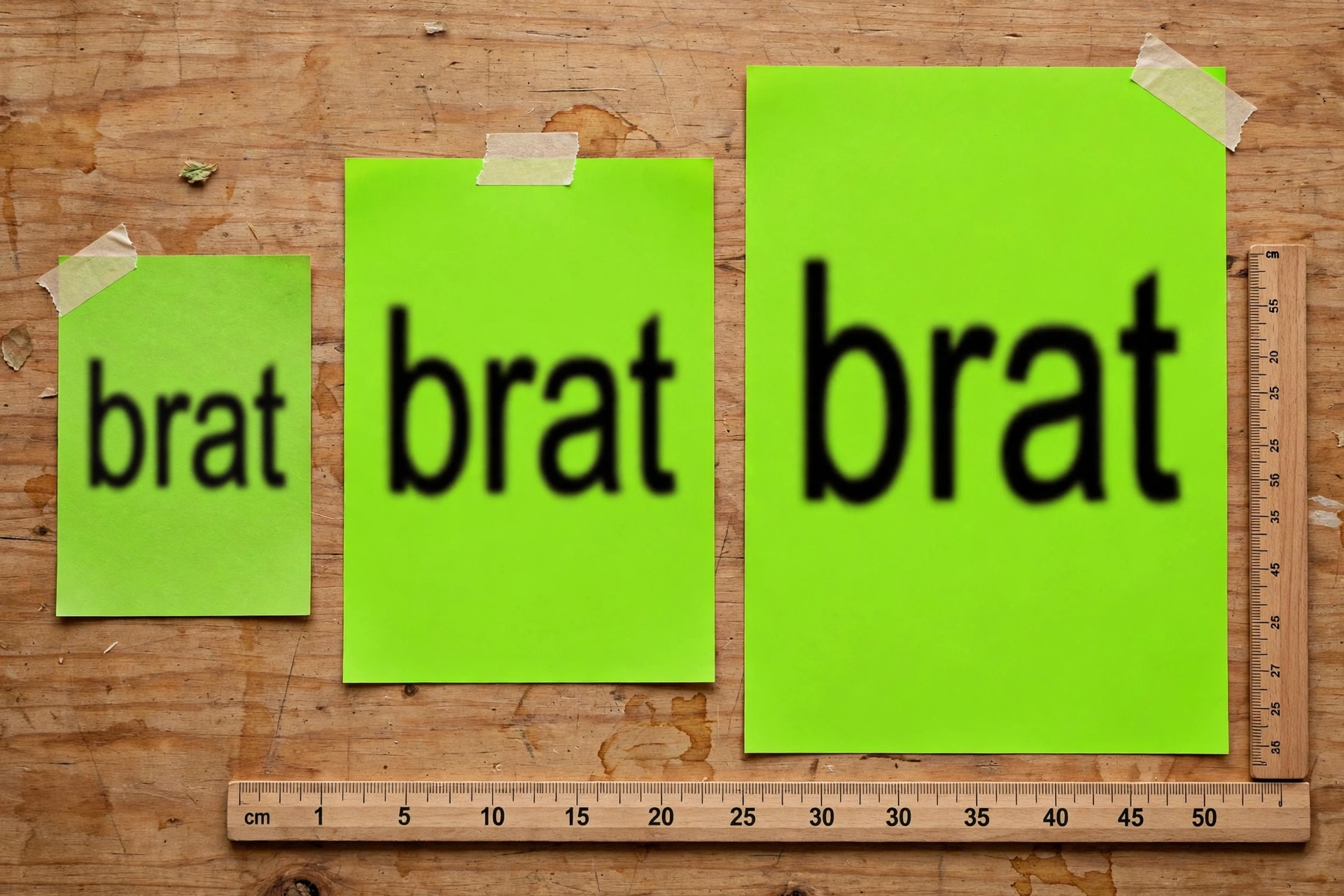
Here’s the print math nobody publishes. 1080 pixels at 300 DPI (proper photo-print quality) = 3.6 inches. That’s not a poster, that’s a postcard. At 150 DPI — perfectly fine for a wall poster viewed from a few feet — you get 7.2 inches, roughly A4-ish territory. A standard A3 poster (11.7 × 16.5 in) or a 24×36 dorm poster needs upscaling, and upscaling a 1080px file means softness.
But here’s the thing: brat-style posters survive upscaling better than almost any other design. The whole aesthetic is one flat color and one bold word — no fine detail, no gradients, no small text to turn mushy. I compared the math against what actually matters:
| Print size | Effective DPI from 1080px | Verdict for brat posters |
|---|---|---|
| 4×6 in (postcard) | ~270 | Perfectly crisp |
| A4 (8.3×11.7 in) | ~130 | Clean on a wall |
| A3 (11.7×16.5 in) | ~92 | Good — flat colors hide softness |
| 18×24 in | ~60 | Okay from 6+ feet; bold words still read |
| 24×36 in | ~45 | Only for the aesthetic — visibly soft up close |
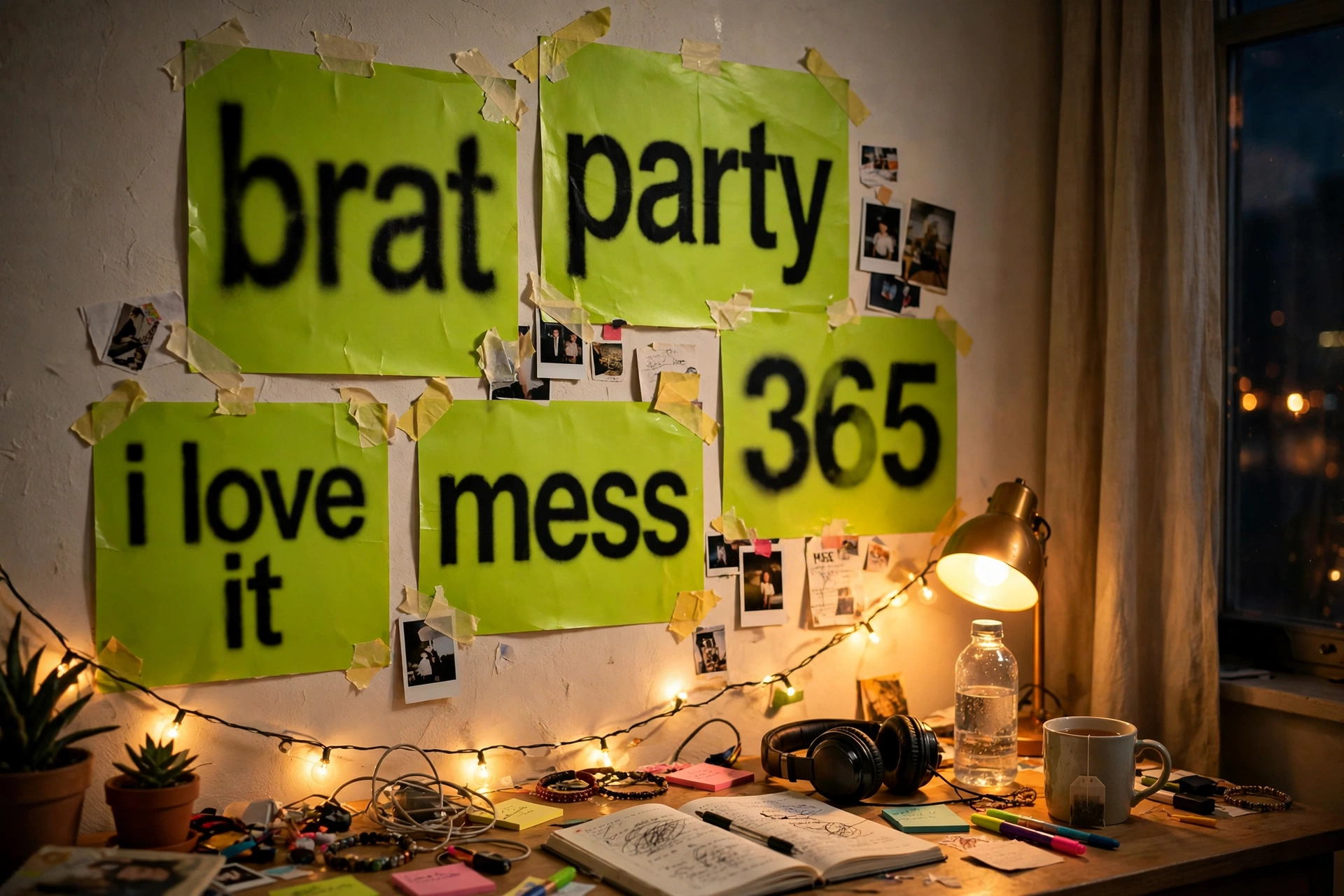
My honest recommendation: print at A4 or A3. A wall of five A4 brat posters — “brat”, “party”, “365”, “i love it”, “mess” — taped up with masking tape looks better than one giant soft print, costs almost nothing, and is exactly how the aesthetic lives on real bedroom walls. The square format is actually your friend here: squares tile beautifully in a grid.
From PNG to wall: the actual printing workflow
1. Make the design. One to three words, brat green or black background, weight 900, Arial. Download brat.png. Rename it immediately — every download is called brat.png, and a folder of twelve files all named brat.png is how designs get lost.
2. Handle the square. The export is 1:1. For a square poster, print as-is. For a rectangular frame, crop in any phone photo editor — crop to 2:3 for standard poster frames, keeping the word centered. You lose the left and right edges of the green, which costs nothing visually. Alternatively, place the square centered on a larger canvas with a white or black border in any free editor — the bordered look actually reads as more “designed” on a wall.
3. Print it. Home printer on matte photo paper works great for A4 — the flat colors use almost no ink compared to a photo. For A3 or bigger, any copy shop or online print service takes the PNG as-is; ask for matte, not glossy (glossy shows every fingerprint and the brat green glares under room light). Cost per A4 print at a copy shop: pocket change.
4. Hang it like you mean it. Masking tape, washi tape, or poster putty — the DIY hang is part of the aesthetic. A brat poster in a fancy frame looks wrong; a brat poster taped slightly crooked looks right. Total cost for a five-poster wall: basically the paper and the tape. Total time per design: under a minute in the generator.
Brat poster generator vs. the alternatives: an honest table
| Option | Cost | Time per poster | Brat authenticity | Best for |
|---|---|---|---|---|
| This brat poster generator | Free | ~40 seconds | Exact palette (#8ACE00) | Quick walls, party flyers, batches |
| Canva | Free tier | 10+ minutes | Close, but you eyeball the green | Complex layouts, mixed media |
| Photoshop / photo editor | Paid | 20+ minutes | Full control, pro output | Full control, pro output |
| Etsy printable | $5–15 | Instant | Varies by seller | No custom text needed |
The honest summary: if you want one specific word on your wall tonight, nothing beats the generator — it’s free, it’s 40 seconds, and the green is the actual album green. If you want a gallery wall with mixed layouts, Canva earns its ten minutes. What the generator wins on is volume: making eight posters in five minutes is a use case the other tools can’t touch, and volume is what a poster wall needs.
Poster text ideas that actually work
The format rewards bluntness. One word beats a sentence every time — the squish effect punishes long text. What works on real walls, from what I’ve seen: single words (“brat”, “party”, “mess”, “365”), two-word phrases (“party at mine”, “touch grass”, “no thoughts”), and numbers (“365”, “2026”). Lowercase always — uppercase breaks the spell. For party flyers, the move is the event as the word: the party name, the date as a number, nothing else. A flyer that says only “saturday” in brat green gets more attention than a flyer with the address, the lineup, and the ticket link — put the details in the caption, not on the poster.
Where it falls short (honest gaps)
Three real limitations. First, no blur control — the album-cover haze isn’t reproducible, text renders crisp. Second, square only, 1080px only — no portrait posters, no higher resolution, no custom background color beyond the six swatches. Third, the 50-character cap is silent — long text gets cut without warning. None of these kill the poster use case, but you should know them before you plan a 24×36 print. For everything up to A3, the tool is genuinely all you need.
FAQ
What is a brat poster generator?
It’s a free online tool that makes posters in the brat album aesthetic — lime green background, one bold lowercase word, slightly raw look. You type your text, pick a color, and download a PNG you can print. The one on brratgenerator.com needs no signup and adds no watermark.
Is the brat poster generator free?
Yes. No account, no payment, no watermark on the download. The export is a 1080×1080 PNG named brat.png.
What size should I print a brat poster?
The export is 1080 pixels square. At A4/A3 sizes it looks clean on a wall; beyond 18×24 inches it gets visibly soft up close. For big prints, the flat colors and bold text hide upscaling better than photos do, but A3 is the sweet spot.
Can I use brat posters commercially?
The tool’s output is yours to print and hang, and party flyers or personal decor are fine. Selling brat-style prints commercially is murkier — the aesthetic is closely tied to Charli XCX’s album artwork, so commercial use carries trademark risk. Personal use: no issues.
How do I make the text look like the real brat album cover?
Short lowercase text, Arial at weight 900, brat green (#8ACE00) background, black text. The album cover has a slight blur the tool can’t reproduce, but at poster viewing distance the difference is minor. Keep it to one or two words — the tool squishes longer text instead of wrapping it.
The bottom line
A brat poster generator is the fastest path from an idea to something on your wall: 40 seconds, zero cost, the exact album green, and a PNG that prints cleanly up to A3. The square-only 1080px export and the silent 50-character cap are the real constraints — design around them (short text, A4/A3 prints, grid walls) and the tool does everything a poster maker needs to do. If you liked this workflow, the same tool doubles as a brat wallpaper generator and a brat sticker generator — and the brat meme generator and brat font generator guides cover the rest of the aesthetic. Start with one word. Tape it to the wall. You’ll make four more by midnight.