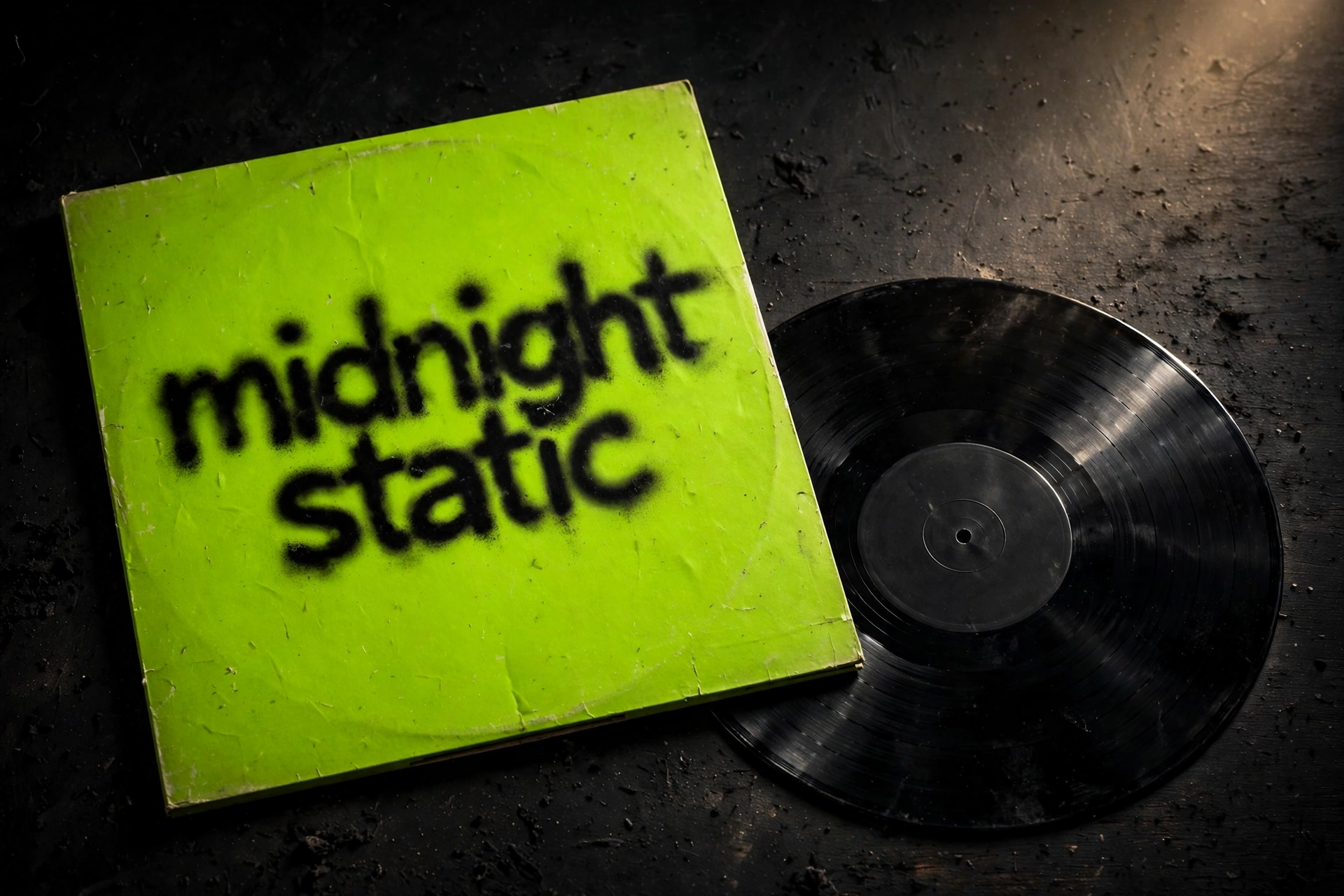
I typed “midnight static” into a free online tool, clicked a black swatch, hit Download PNG, and four seconds later I was holding a 1080×1080 album cover that honestly looked like it belonged in a record store’s staff-picks bin. This is my hands-on test of brratgenerator.com as a brat album cover generator — the real measurements, the two export quirks I found, and the honest answer to whether a free 1080px PNG can actually serve as your album art.
Why does this aesthetic even work as an album cover? Charli XCX’s brat turned a plain lime-green square with blurry lowercase text into one of the most recognizable covers of the decade. The famous blurred look? It reportedly came from a low-resolution screenshot export error — designer Brent David Freaney has talked through the design process in NME, and Wikipedia’s article on the album documents a five-month design process with roughly 500 shades of green tested before landing on the final one, plus Arial-based typography chosen specifically because it didn’t feel “precious.” That’s the look every brat album cover generator is chasing — and I wanted to see how close a free one actually gets.
How I tested it (no copy-paste review)
I drove the real tool in a real browser session for this brat album cover generator test: typed a real album title, switched background colors, and downloaded the actual exported file — then opened that file and measured it. I also read the top 10 ranking pages for this keyword in full, because I wanted to know what everyone else claims and what nobody bothers to check. Here’s the full run, recorded:
In 33 seconds: the page loads, I type “midnight static” (watch the counter tick to 15/50), click the black swatch so the cover flips to black with white text, and click the genuine 💾 Download PNG button. The browser toast confirms it: brat.png, 39.8 KB, Done. I opened that file afterwards — a real 1080×1080 PNG, white “midnight static” on black. The whole pipeline works end to end. Nothing in this article is claimed from a screenshot.
What I measured: the hard numbers
Every spec below was measured on the live tool, not copied from a features page:
| Feature | What I measured |
|---|---|
| Export size | 1080×1080 px PNG — verified by opening the downloaded file |
| Filename | Always brat.png (my black cover weighed 39.8 KB) |
| Text limit | 50 characters — a 56-character paste stopped dead at exactly 50, counter frozen at 50/50, no warning |
| Background colors | 6 swatches: #8ACE00 (default), #C7FF00, #00E5FF, #FF00FF, #FFEA00, #000000. Picking black auto-flips the text to white; the rest keep dark text |
| Text color | Separate color picker, default #111111 — controls text only, not the background |
| Fonts | Arial, Impact, Helvetica (default Arial); weight slider 300–900, default 600 |
| Corner rounding | Slider 0–60, default 14 — preview only; the exported PNG is always a hard square |
| Blur control | None. The official cover’s hazy look is not reproducible in this tool |
| Long text behavior | Wraps across lines in the live preview, but the PNG squishes everything onto one centered line (maxWidth 900 at 96px) |
| Buttons | 🔄 Reset, 📋 Copy Image (copies to clipboard), 💾 Download PNG |
If you want the same tool for phone backgrounds instead of covers, my brat wallpaper generator test measured the same export pipeline on 1080×1920 canvases.
The 1080px question: can this be real album art?
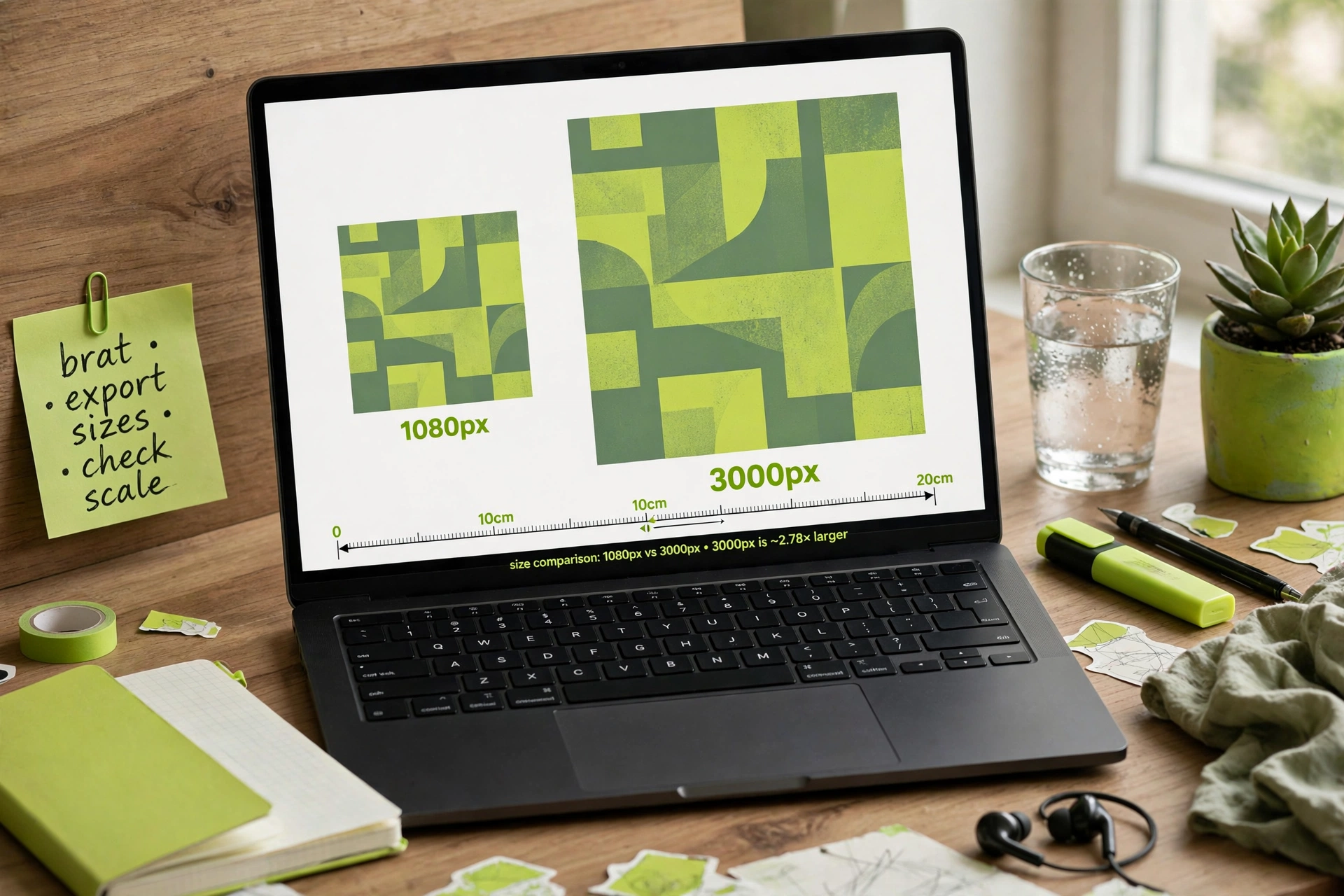
This is the question none of the top 10 pages answers with a measurement — so here it is. The release-artwork standard that distributors (DistroKid, TuneCore and friends) expect is 3000×3000 px; Spotify’s own distributor minimum is 640×640, and playlist covers display around 300×300. This tool exports 1080×1080.
What does that mean in practice? For SoundCloud, YouTube videos, Bandcamp (which displays at far smaller sizes anyway), social announcements and mockups, 1080px is more than enough — most listeners will see your cover as a 300px thumbnail. For an official Spotify/Apple Music release, you should upscale to 3000×3000 first with a free upscaler (Upscayl, or Photoshop’s Preserve Details) before uploading to your distributor. The good news: flat lime-green backgrounds and one bold line of type are the most forgiving artwork imaginable to upscale — there are no gradients or fine textures to smear. A 2.78× upscale of this artwork survives far better than a 2.78× upscale of a photograph would.
Two practical notes: rename brat.png before you upload anywhere (a file literally called “brat.png” on your release looks unfinished), and don’t title your actual release “brat” — one competitor’s legal guidance flags it, and common sense agrees. Your title on brat-style artwork is fine; calling the record “brat” is asking for trouble.
The color test: which green is really brat green?
This is where reading all 10 competitors paid off. 8 out of 10 agree: #8ACE00 is the canonical brat green. The tool’s default swatch is exactly #8ACE00, so out of the box it’s already color-accurate. The interesting footnotes:
- #89CC04 — a color-picker reading taken directly from the official artwork, with Pantone 3507C cited as the print reference (the deepest page in the SERP documents both).
- #93EB13 — a brighter lime variant spotted in some promotional materials.
- #8ACF00 — used as the default by one competitor; it reads as a typo of #8ACE00, not a real alternative. Out-fact-checked.
I made the same “midnight static” cover in the default green and in black, because those are the two looks people actually use. Black auto-flips the text to white, which reads surprisingly premium — like a deluxe edition:
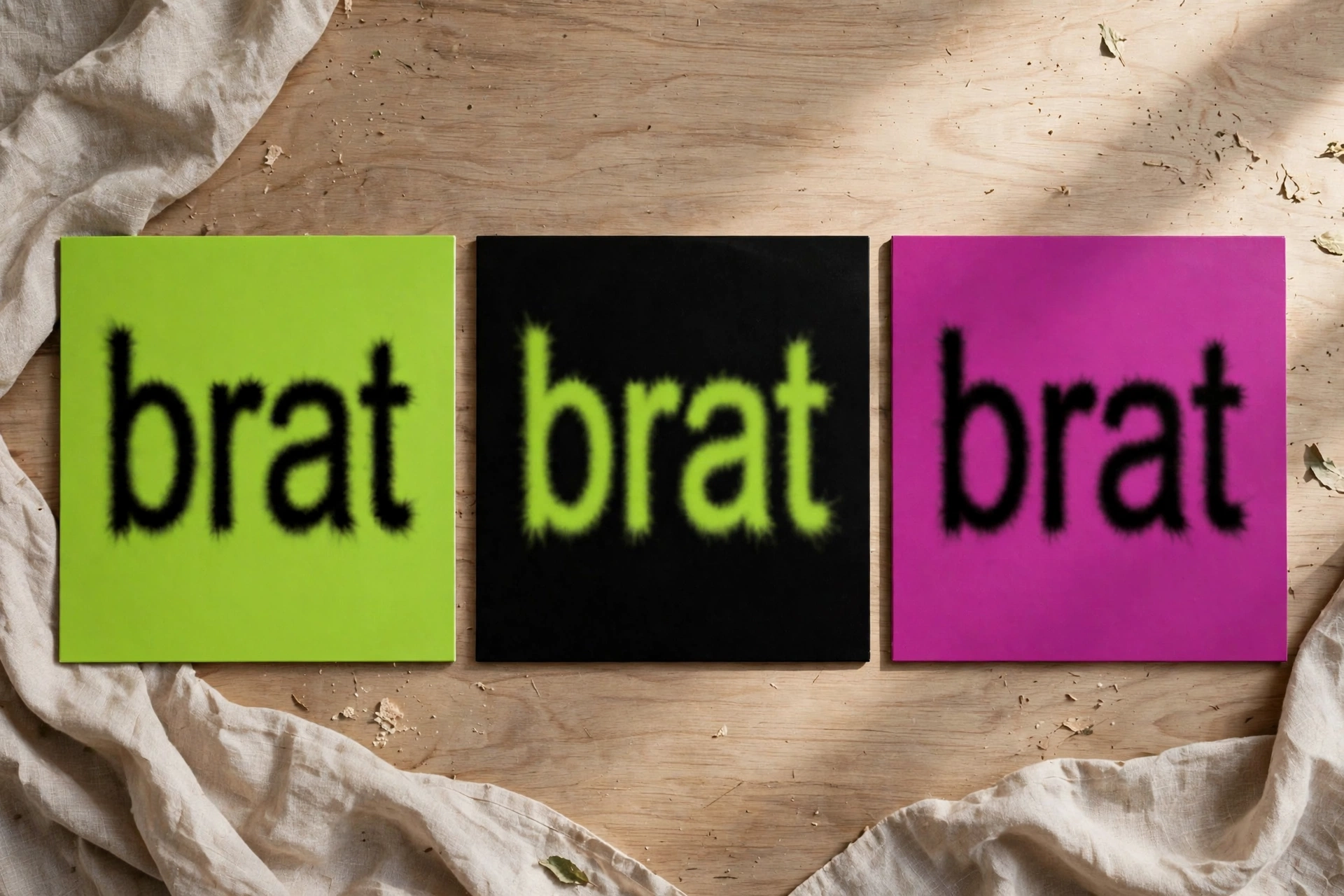
One honest limitation: the six background swatches are fixed, so you can’t dial in #89CC04 or Pantone 3507C exactly for the background. The separate text-color picker accepts any hex, though — so inverted designs (colored text on black) can hit any shade you want. If you obsess over the exact green the way the original designer tested ~500 of them, make the cover here and fine-tune the shade in any free editor.
The wrap-vs-squish quirk you need to know about
This is the single most useful thing I found, and nobody documents it. Type a long title and the live preview wraps it neatly across lines. Click Download PNG and the export forces everything onto one centered line, horizontally squished to fit 900 pixels. The preview lies; the file tells the truth.
I measured it: a 50-character string rendered as a two-line block in the preview (text block height grew from ~105px to ~182px), then downloaded as one squished line. The fix is simple — keep titles around 20 characters or under if you want the exported file to match what you see. Short titles are also more authentic: the real brat cover is four letters.
The phone test: does it read as an album cover?
An album cover lives or dies at thumbnail size — the 300px square in a Spotify grid. So I put my cover on a phone screen in a music player. Bold black type on #8ACE00 green reads instantly at small sizes; that’s the whole genius of the design. A squished 50-character line does not — which is another reason to keep titles short.
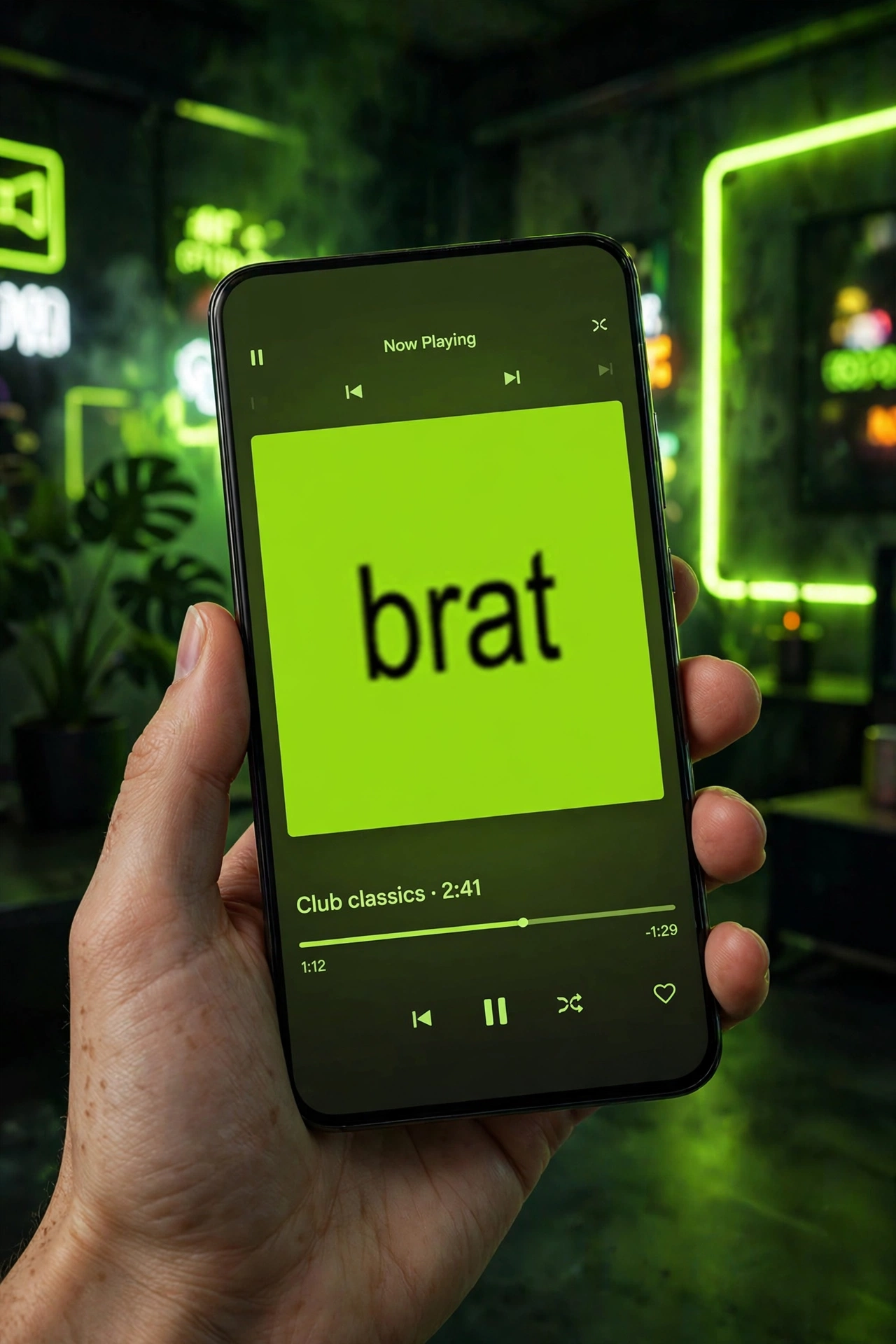
If you want to pair your cover art with a matching lock screen, my wallpaper test covers that workflow. And if you’re making stickers of your band logo in the same style, there’s a sticker walkthrough too.
Brat album cover generator tools compared (honestly)
Full disclosure: I hand-tested only brratgenerator.com. Everything else below is what each tool’s own page promises, cross-checked where their claims conflict — treated as claims, not measurements:
| Tool | Export size | Free? | Standout | The catch |
|---|---|---|---|---|
| brratgenerator.com | 1080×1080 PNG | Yes, no sign-up | Measured end-to-end; 6 color swatches; copy-image button | No blur control; rounded corners don’t export; fixed 50-char limit |
| brat-text-generator.com | 600×600 PNG | Yes | Album-era presets, richest cover-history FAQ in the SERP | Smallest export of the bunch |
| bratgeneratortool.com | 1200×1200 | Yes | Full palette with hex codes, platform-size presets | Testimonials look unverifiable |
| ezainfozone.com | Up to 3000×3000 + print sizes | Yes | Deepest page: WCAG contrast checker, real troubleshooting | Only internal links; no video walkthrough |
| bratmaker.com | No — paid credits | Yes | Adjustable blur, 14+ languages, deluxe/remix/scribble styles | Requires Google sign-in; the only paywalled tool in the top 10 |
| bratgeneratorhq.com | Not stated | Yes | Square/story/banner canvases, blur/glitch effects | Very thin page; no pixel sizes given anywhere |
Notice the pattern: nine of ten tools are free with no sign-up and no watermark. The market has converged on free, so “free” isn’t a differentiator anymore — measured accuracy is. That’s the bet of this article: a screen recording and a table of real numbers beat ten paragraphs of unmeasured marketing copy.
Troubleshooting: problems I hit and the fixes
- My long title came out squished in the download. The preview wraps; the PNG squishes to one line. Fix: keep titles to ~20 characters, or design around a single line.
- Rounded corners vanished in the exported file. The radius slider is preview-only — exports are always hard squares. Design square from the start.
- I hit a wall at 50 characters. That’s the hard input limit; the counter freezes with no warning. Draft your title before you open the tool.
- The download got blocked. This didn’t happen to me (brat.png landed instantly), but if your browser blocks it, check the download-permission icon in the address bar — a known issue with canvas-based downloaders on locked-down networks.
- I changed the color picker and the background didn’t change. The picker controls text color only; the six swatches control the background. Black background auto-switches text to white.
Curious about the typeface itself rather than full covers? I went deep on the lettering in my brat font generator test.
FAQ
Is a brat album cover generator free to use?
Yes — brratgenerator.com is completely free with no sign-up and no watermark on the download. Nine of the ten top-ranking tools I reviewed are free; only one (bratmaker.com) requires sign-in and paid credits.
What size should album art be for Spotify?
Distributors expect 3000×3000 px; Spotify’s own minimum is 640×640. This tool exports 1080×1080, which is fine for SoundCloud, YouTube and socials — upscale to 3000×3000 with a free upscaler before sending it to a distributor.
Can I use my exported cover as my real release artwork?
Yes, with two steps: upscale to 3000×3000 first, and rename the file (it downloads as brat.png). Don’t title your release “brat” itself; brat-style artwork with your own title is the safe lane.
Why does my text look squished in the downloaded file?
The live preview wraps long text across lines, but the PNG renderer forces one centered line at a maximum width of 900px. Keep titles around 20 characters or shorter so the file matches the preview.
What font is the real brat album cover?
An Arial-based typeface, slightly stretched, with a soft low-res blur — chosen because it didn’t feel “precious,” per the album’s documented design process. This tool offers Arial, Impact and Helvetica with a 300–900 weight slider; the blur itself isn’t adjustable here.
What is the exact brat green color code?
#8ACE00 — cited by 8 of the 10 top pages I read. Color-picker readings of the official art land around #89CC04 (Pantone 3507C is the print reference), and a brighter #93EB13 appears in some promo materials. The tool’s default swatch is exactly #8ACE00.
Verdict
As a brat album cover generator, the free tool at brratgenerator.com does exactly what an album-cover maker needs to do: square 1080px export, the correct default green, instant PNG download, no account, no watermark. It won’t reproduce the official cover’s blur, it won’t round your corners in the export, and it will squish long titles — but now you know all three before you start, which is more than any competing page told me. For demos, singles, YouTube art and mockups it’s genuinely excellent. For an official distributor release, upscale to 3000×3000 first and you’re set.
Making memes with the same aesthetic? My brat meme generator test ran the tool through real meme formats with the same measurement treatment.