A brat text generator is the kind of tool you open as a joke and close with a finished graphic. I needed text for a post — not a logo, not a poster, just a few words that looked like they belonged to the summer of 2024 — and I did not want to fight a design app for it. So I opened the free tool at brratgenerator.com, typed a real phrase into it, and watched what actually came out: the preview, the colour switches, the download, the file on my disk. This is that test, with the numbers, plus how this tool stacks up against the other brat text generators ranking on Google right now.
What brat text actually is
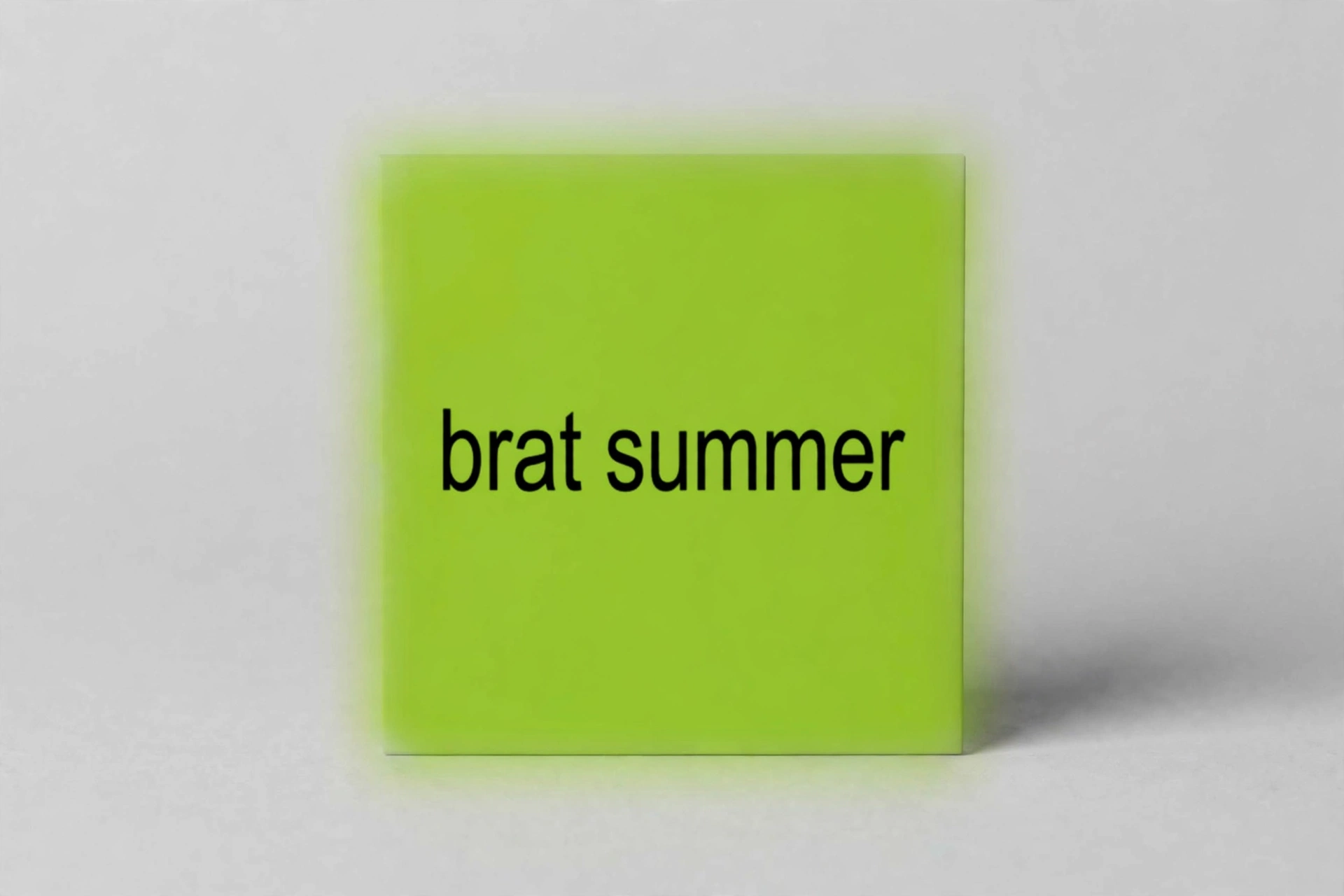
Strip it back and brat text is almost nothing: a few lowercase words in a heavy, slightly stretched sans-serif, sitting on a flat block of colour. The look comes from Charli XCX’s 2024 album Brat, whose cover — designed by Brent David Freaney’s studio Special Offer, Inc. after testing roughly 500 shades of green — was deliberately unpolished: lime green, black text, a little blurry, no decoration at all. You can read the whole story on Wikipedia’s Brat album page, and the designer talks through the process in this NME piece.
Here is the part most generator pages gloss over: there is no official “brat font” you can download. The cover type is stretched Arial — the closest everyday match is Arial Narrow Bold — and the green everyone quotes is #8ACE00 (a second value, #89CC04, circulates too, and honestly nobody can tell them apart on a phone screen). That matters because it tells you what a brat text generator really does. It is not generating a font. It is rendering your words in the right shape, weight and colour, and handing you a square picture. Judge it on that: does the text look right, and is the picture usable?
Watch the test
I recorded the whole thing on the live tool — typing, colour change, download — so you can see it is a real working page and not a mockup.
How to use a brat text generator: my step-by-step test
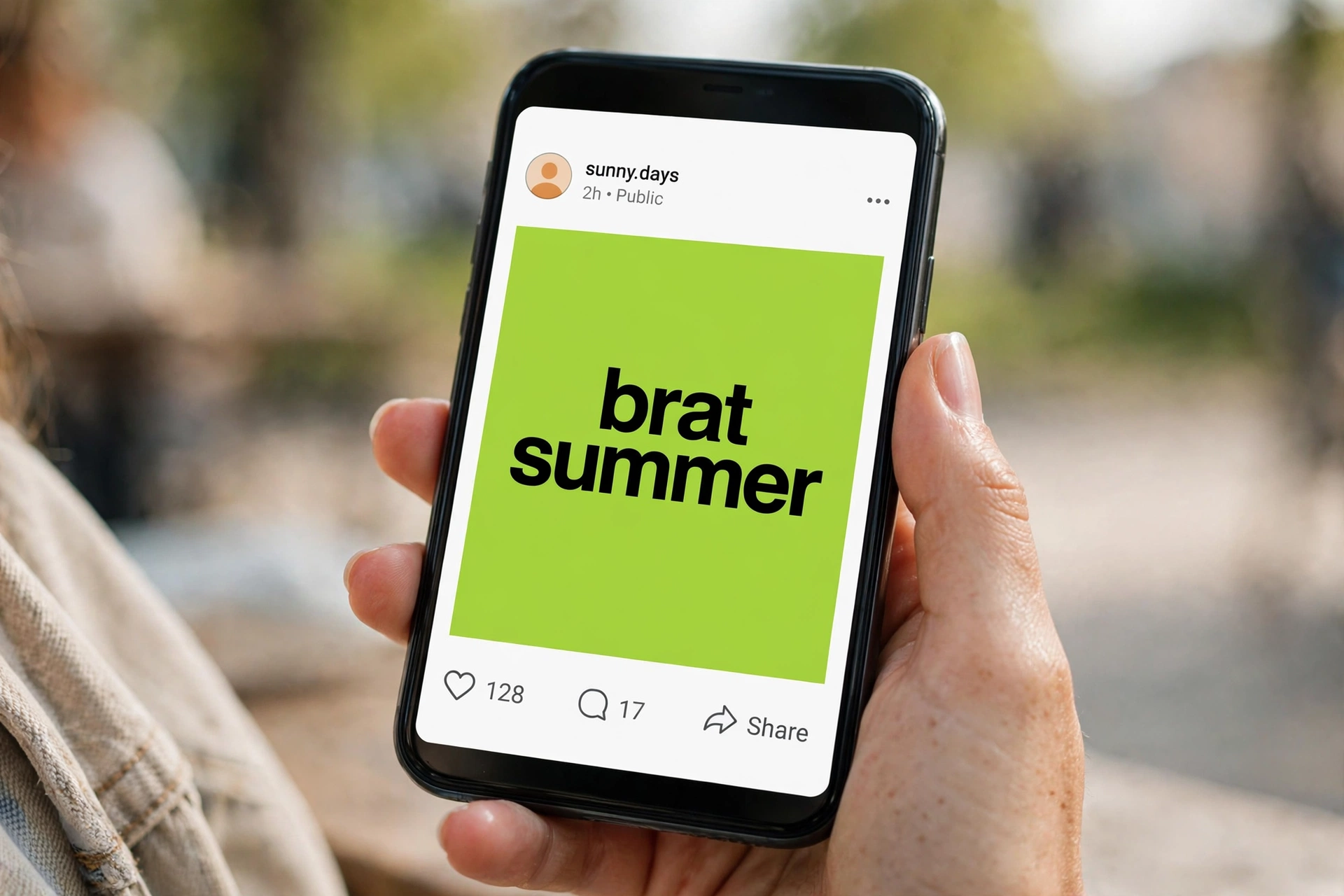
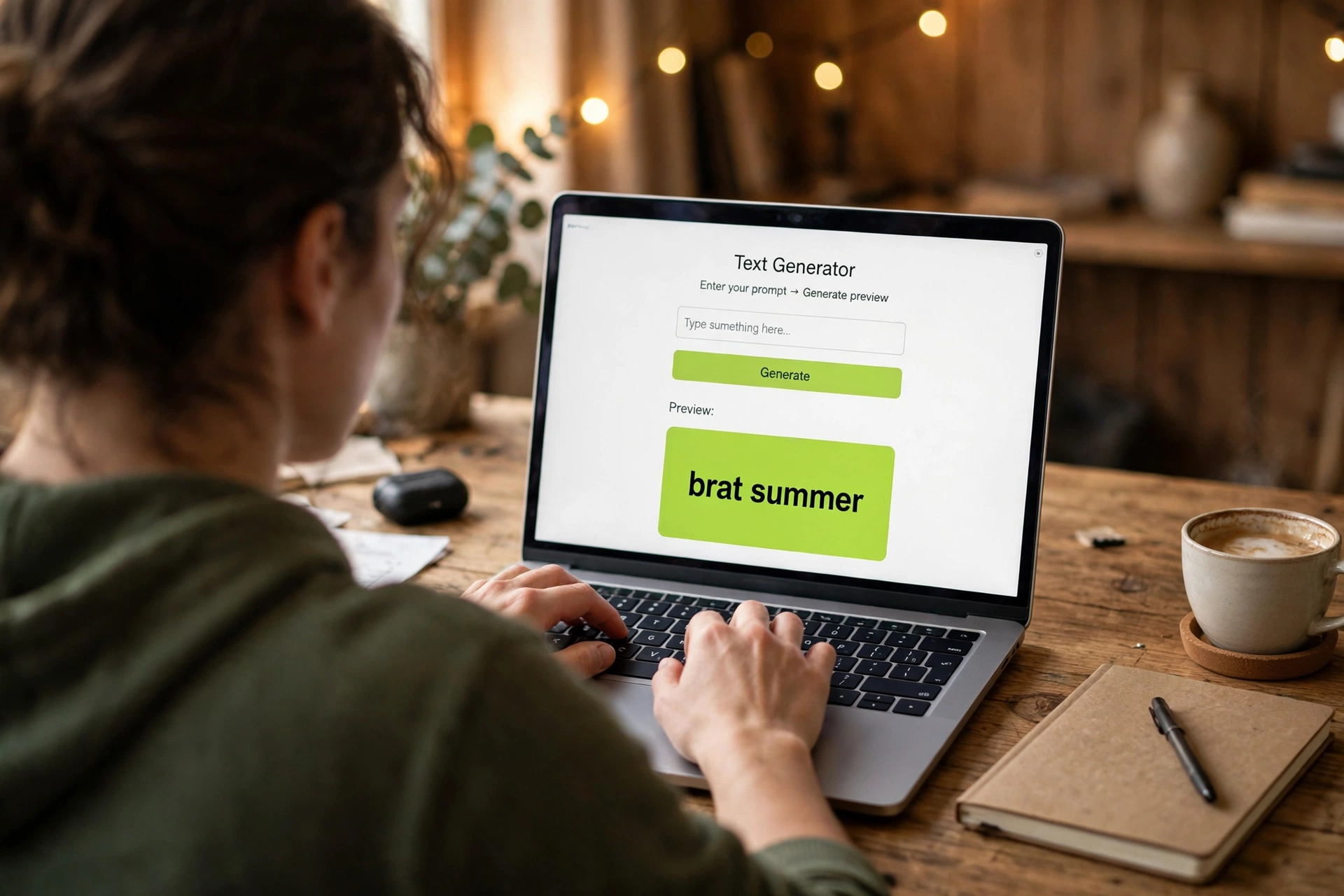
I typed “brat summer” — eleven characters, two words, the phrase everyone reaches for first. The counter under the input ticked to 11/50, so the tool caps text at 50 characters. That is generous compared with some rivals (one caps you at 30), but the cap is not the real limit. The real limit is the square: long text has to fit a 1,080-pixel-wide tile, and I already knew from an earlier test that the preview wraps long lines while the exported PNG squishes everything onto one centered line. So rule one, learned the hard way: keep it to one to six words, or your download will not look like your preview.
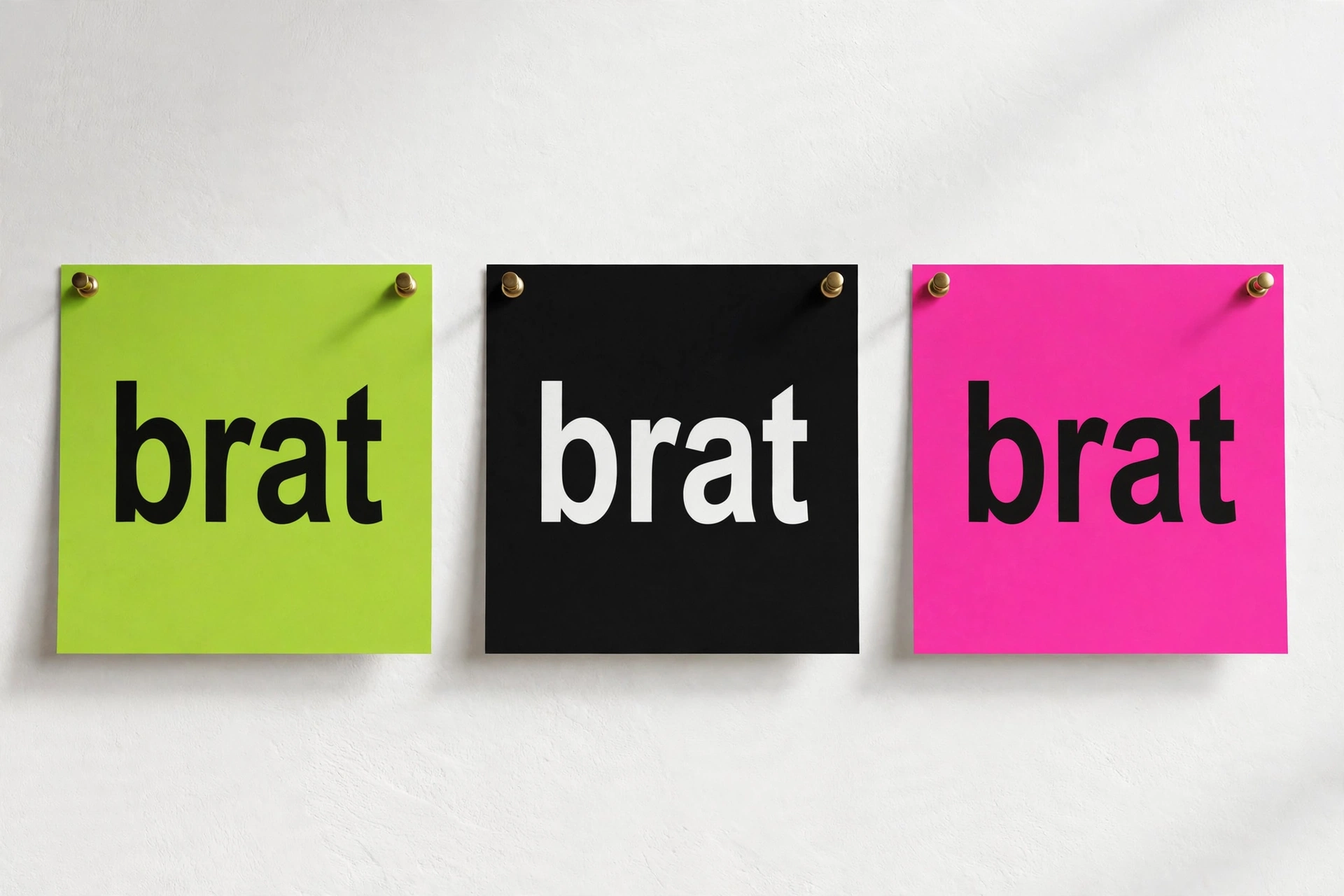
Next I switched the background to hot pink. The tool offers six swatches: the default brat green, a second lime, cyan, hot pink, yellow and black. Pink flipped instantly, and the text stayed dark — worth noting, because on the black swatch the tool automatically flips the text to white, while every other colour keeps it near-black. That auto-flip is a small thing, but it is the difference between a readable graphic and one you have to fix by hand.
Then the download. One click on the Download PNG button and the file landed as brat.png — 40,588 bytes, a real 1080×1080 PNG with the pink background and “brat summer” on it. No sign-up, no watermark, no waiting screen. I restored the green cover afterwards, and that is where the recording ends. Total time from opening the page to holding the file: under a minute, most of it spent deciding which colour I liked.
The honest limitations, since a test that hides them is an advert: this tool has no blur slider, so you cannot dial in the album cover’s soft blur — the export is crisp. It has no transparency either; the PNG is a solid square tile, so if you want to layer the text over a photo in CapCut or Canva, you need a tool with a transparent export or you cut the square out yourself. And the border-radius slider only changes the preview — the downloaded file is always a hard square. None of that stopped me using it, but you should know before you plan a design around rounded corners.
Brat text generators compared: what the top 10 actually give you
I read the ten top-ranking brat text generator pages before writing this, and the pattern is strange: every page describes only its own tool. Nobody lines them up side by side, and nobody shows a measured result — no screenshots of real exports, no file sizes, no download dimensions verified by hand. So here is the table I wanted and could not find, built from what those pages claim plus what I measured on brratgenerator.com.
| Generator | Max export | Transparent PNG | Character limit | Standout feature |
|---|---|---|---|---|
| brratgenerator.com (tested) | 1080×1080 PNG | No — solid square | 50 | Fastest path: type, pick a colour, download |
| bratgen.io | 2000×2000 PNG | No | Not stated | Only one with a real troubleshooting section |
| bratgeneratorr.net | 2000×2000 PNG | No | Not stated | Stretch control and 9 font styles |
| brat-generators.com | High-res PNG | Yes | 30 | Transparent export + photo backgrounds + video overlay guide |
| brat-text-generator.com | 600×600 PNG | No (planned) | None stated | Most honest limits page; 6 mirror layouts |
| bratgeneratortool.com | Platform presets | Not stated | 50 | Exact pixel presets for 10 platforms |
Read that table as a buying guide, not a ranking. If you need the biggest file, the 2000-pixel tools win. If you need to layer text over a video or photo, only the transparent-export option does the job in one step. If you need something done in thirty seconds with no learning curve, the tool I tested is the one — it does fewer things, but the things it does take no explaining. My earlier tests of the same site’s brat font generator and brat logo generator guides found the same trade-off: speed over depth.
From text to post: the workflow that actually works
Most guides stop at “download your PNG”. That is barely half the job. Here is the full path I use, and it works for Instagram, TikTok, YouTube and group-chat memes alike.
1. Write short, then cut one word. “brat summer” works. “brat summer forever and ever” will not — it wraps in the preview and squishes in the export. One to six words is the range every serious guide agrees on, and my test confirms why. Cut articles (“the”, “a”) and swap explanations for nouns: “tired but iconic” beats “I am tired but still iconic”.
2. Pick the colour for the feed, not for yourself. Classic lime is the most recognisable, but it is also the most common — your post looks like everyone else’s. Black with auto-white text reads as the “dark mode” variant and stands out in a grid of green. Pink reads romantic and loud. Match the colour to the mood of the words, not just to the album.
3. Size it for where it is going. The square 1080×1080 export is perfect for a feed post or profile picture, and it crops fine for a story if you centre it. For a 9:16 story or reel cover, place the square on a matching background in your phone’s editor rather than stretching it — stretching distorts the letters and kills the look. For a YouTube thumbnail or banner, remember this tool exports square only; you will be compositing it onto a wider canvas elsewhere.
4. Post it, or layer it. As a standalone image, just upload it. As text over a video, you need transparency this tool does not offer — either use a transparent-export generator for that layer, or post the square as a cover frame at the start of the clip. Both work; pretending the square is a transparent layer does not.
If you want the same look for other jobs, the site’s other guides cover them: brat meme generator for reaction images, brat wallpaper generator for phone backgrounds, brat poster generator for print-style pieces.
Phrases that work: an original bank, by occasion
The phrase lists on rival pages lean hard on Charli XCX track titles. Those are fine for a personal post, but they are not yours to sell, and they are not original. Here are phrases I wrote for this article — use them freely, for posts or for products, because they are not anyone’s lyrics:
- Birthday: “happy birthday mia”, “another year louder”, “cake at midnight”
- Mood: “tired but iconic”, “main character”, “soft chaos”
- Party: “rooftop at nine”, “dance floor rules”, “out past twelve”
- Work meme: “meeting again”, “inbox zero never”, “friday at last”
- Playlist: “songs for driving”, “loud on purpose”, “repeat all night”
- Profile picture: “just brat”, “low effort legend”, “here anyway”
The editing trick behind all of them: short nouns, no filler words, lowercase always. If a phrase needs a comma to make sense, it is too long for the tile.
Troubleshooting: when the text does not come out right
| Problem | What is actually happening | Fix |
|---|---|---|
| Preview does not update as you type | The page’s scripts sometimes need a first click to wake up | Click anywhere on the page once, then type again |
| Download button does nothing | Browser blocking automatic downloads | Allow downloads for the site in your browser’s site settings, then click again |
| Long text looks squished in the file | Preview wraps, export fits one line | Shorten to 1–6 words and re-download |
| Text unreadable on a colour | Dark text on a dark background | Use black background (auto white text) or switch to a lighter swatch |
| Rounded corners vanish in the file | Radius slider is preview-only | Export is always square; round the corners in another editor if needed |
| File looks blurry when posted | Platform recompression, not the export | Post the 1080×1080 PNG as-is; avoid screenshotting it first |
Can you sell brat text designs?
Short answer: your own words, yes; the album’s look, carefully. The style itself — lowercase bold text on flat colour — is a broad aesthetic, but the album artwork, the artist’s name and her lyrics are not yours. If you sell, keep to this checklist: use phrases you wrote yourself; do not reproduce the album cover or claim any connection to the artist; do not use her name or song titles on the product; and check the tool’s own terms before putting its output on merch. One rival page is unusually permissive on this point and I would not rely on it — the cautious checklist above is the one that keeps a shop open.
FAQ
Is a brat text generator free?
The one I tested is: no sign-up, no watermark, instant PNG download. Most ranked generators are free too, but check export size limits — some cap free downloads at 600 pixels.
What font is brat text?
There is no official brat font. The cover is stretched Arial; Arial Narrow Bold is the closest common match, and free lookalikes like Arimo or Archivo Narrow work if you need a licensed font for a design app.
What size does it export?
The tested tool exports a 1080×1080 PNG. Rivals range from 600×600 up to 2048×2048, and one offers exact presets for ten platforms.
Can I use brat text on TikTok and Instagram?
Yes. The square export posts directly to feeds and profile pictures. For stories and reels, place the square on a 9:16 canvas rather than stretching it, or use a transparent-export generator for overlays.
Why does my long text look squished?
Because the preview wraps lines but the export fits everything on one centered line. Shorten the phrase to six words or fewer and the export will match the preview.
Does it work on mobile?
Yes — the tool is a browser page, and the download works from a phone browser. If the download stalls, allow downloads for the site in your browser settings.
Verdict
A brat text generator will not make you a designer, and this one does not pretend otherwise. What it does — turn a short phrase into a clean, postable 1080×1080 tile in under a minute, free, with no account — it does without friction. Its limits are real (no blur, no transparency, square only, preview-versus-export wrapping quirk), but they are all knowable in advance, and the comparison table above tells you exactly when to reach for a different tool instead. For the job most people actually have — a few words, a bold colour, posted today — it is the fastest honest option I tested. Try it yourself at brratgenerator.com, start with “brat summer”, and see how far one short phrase goes.